KIDI: the education system built for the age of AI. To raise the first generation of children who learn to think with AI, not let it think for them.
KiDI is an educational app and a complete school infrastructure, built on AI and adaptive learning — drawn from a century of learning science, with one founding rule: put AI at the service of a child's thinking — never in its place.

2026: a major education revolution is under way — and a narrow window to get it right.
We need to put AI in children's hands — and do it well — so they learn to direct it rather than grow passive in front of it. On 8 September 2026 the OECD released the ninth edition of its PISA study: students' performance in mathematics and reading has fallen sharply — in many countries, to its lowest level since the study began in 2000.11 And for the first time, the OECD observes a correlation between heavy AI use by students and weaker science results — no causal link formally established at this stage, but flagged as a point of vigilance for future editions.11
That is exactly the risk KiDI is designed to avoid: an AI that thinks for the child rather than one that helps the child think better.
01 What is KiDI?
One app, designed for the child, the parent and the teacher.
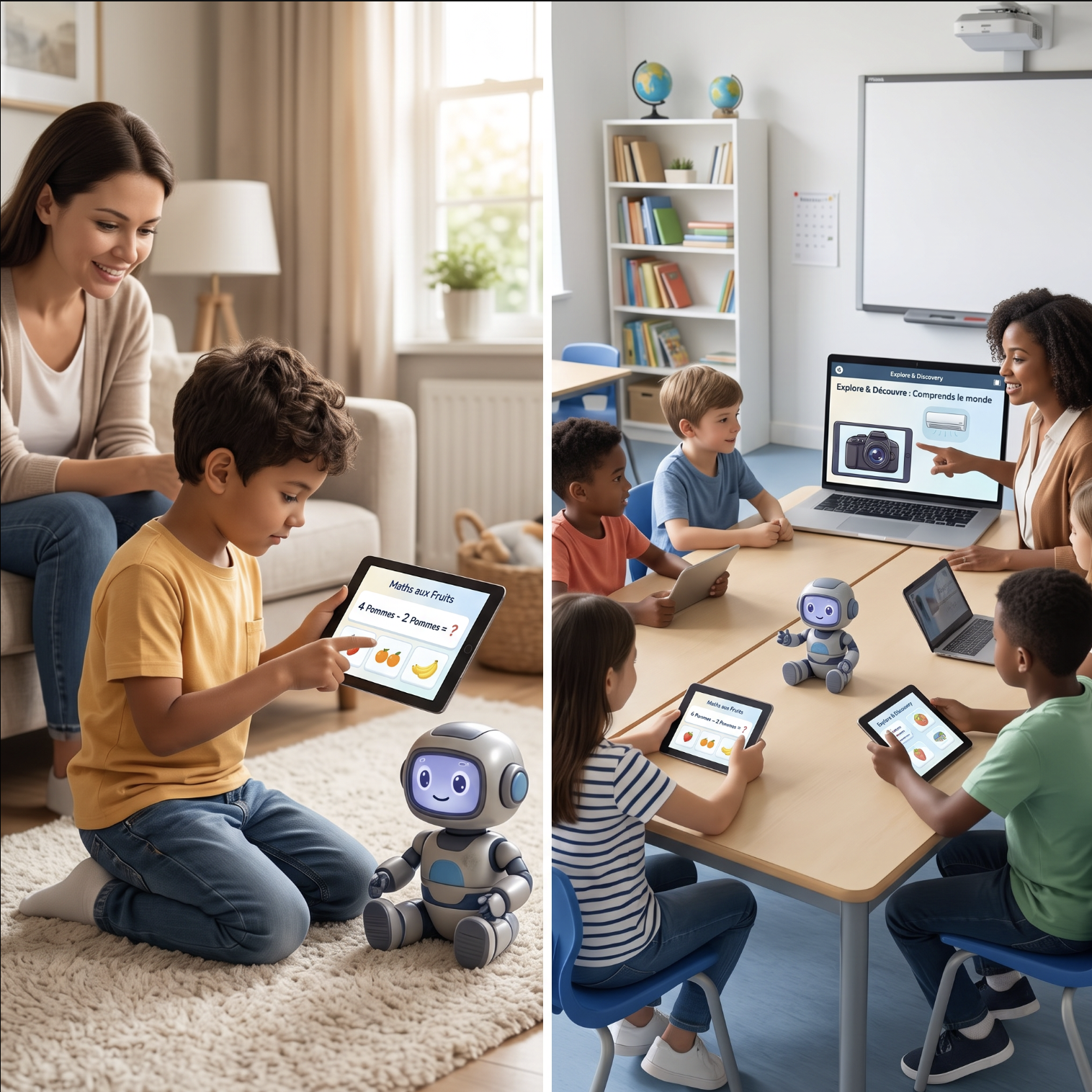
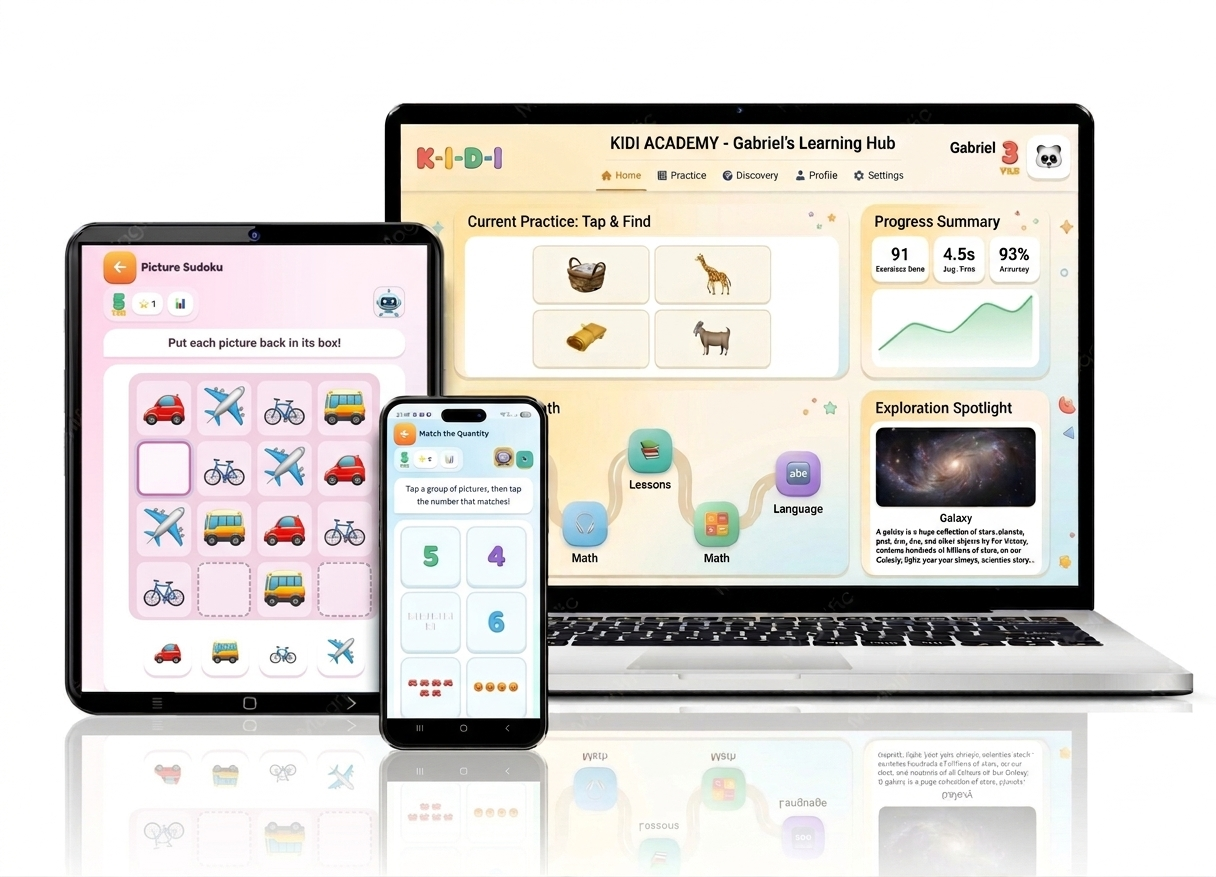
KiDI is not one more educational game. It is a complete learning system — an app on the child's side, a dashboard on the parent's side, an interface on the teacher's side — all sharing one rule: AI works for the child, never in place of their thinking.
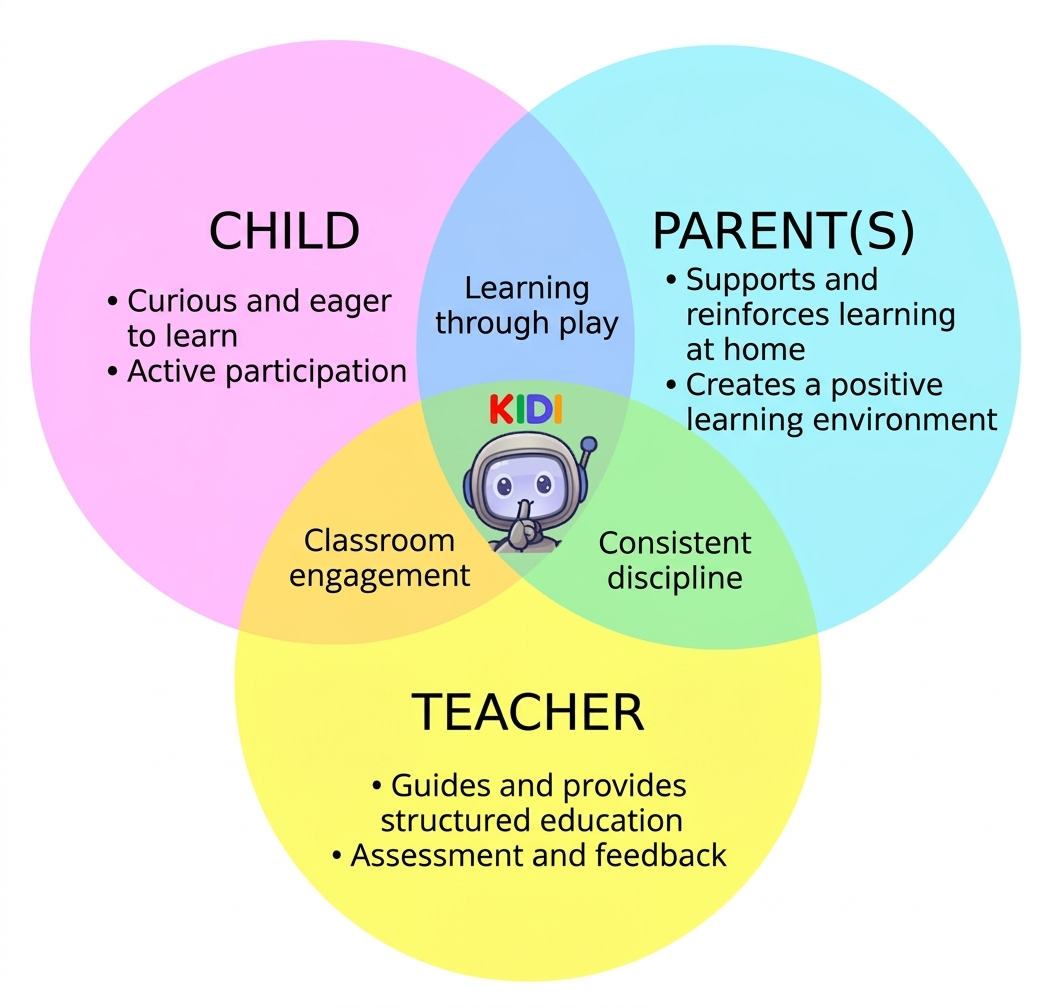
An app you can hand to your child with peace of mind
Short, bounded sessions, no ready-made answers, no infinite scroll and no notifications aimed at the child, plus a parent view of everything that happens. The guardrails are built into the app — they don't rest on the adult's minute-by-minute vigilance.
The most advanced AI-based learning platform to date
KiDI uses AI to adapt content, pace and difficulty to each child in real time — and, in the same move, teaches the child how AI works, where it is reliable and where it gets things wrong. The goal: a mind able to use it without ever handing it their thinking.
An interface that reads a whole class, pupil by pupil
For each child, KiDI surfaces progress, strengths, weaknesses and learning pace — enough to spot in seconds who needs to revisit a concept and who is ready to move faster, with no spreadsheet and no extra test to run.
02 Learning that adapts to every child
25 pupils in a class, 25 learning paces.
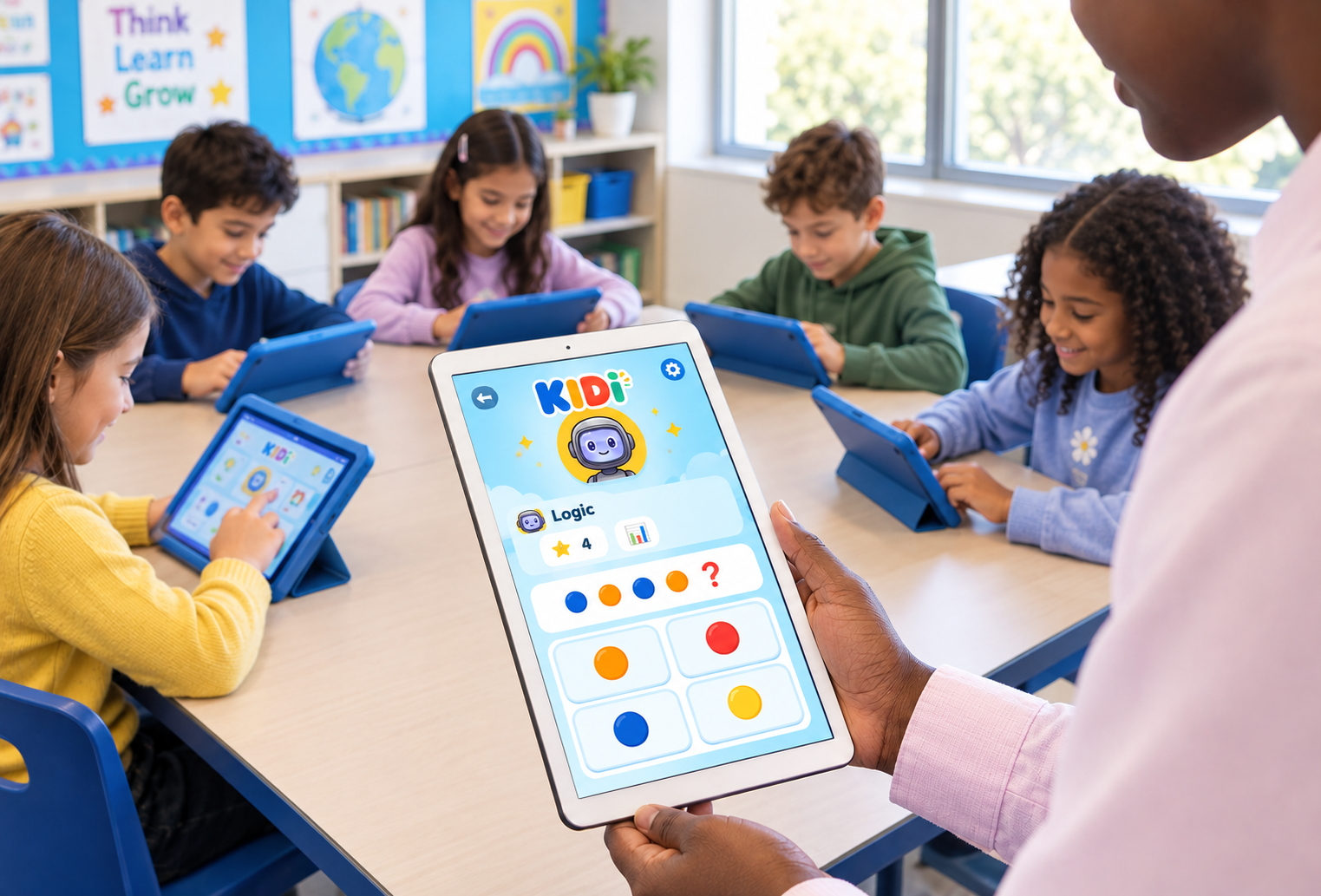
In a class, some children need to go over a concept several times while others are already ready to move ahead. Following all of those paths in parallel, in real time, is beyond what a class timetable allows. That is exactly what KiDI takes on: continuously spotting who needs to consolidate, who can accelerate, and adjusting the content accordingly — to free the teacher's time and judgment for what matters most, human support.
Educational inequality doesn't close on its own.
Across the OECD, the gap in results between the most and least advantaged pupils remains wide — and in several countries it is among the widest, according to PISA 2025.11 This is not an educational inevitability — it is partly a question of resources: a child with no one at home to help them revise, or an overloaded class where the teacher cannot stop on every difficulty, starts with a disadvantage that has nothing to do with their potential.
This is the hypothesis KiDI is built on, not yet a proof: a learning companion available at home and in class, free in its base version, can help close part of that gap — by giving every child, whatever support they have elsewhere, individual guidance.
03 Adaptive, evolving content
The same world, reworked activity by activity, year after year.
Difficulty that adjusts on its own
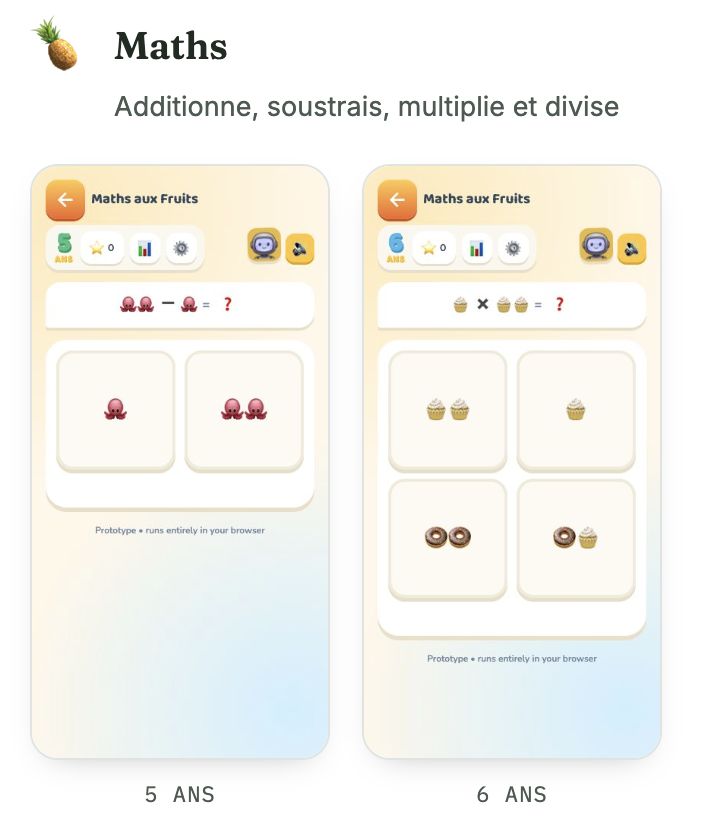
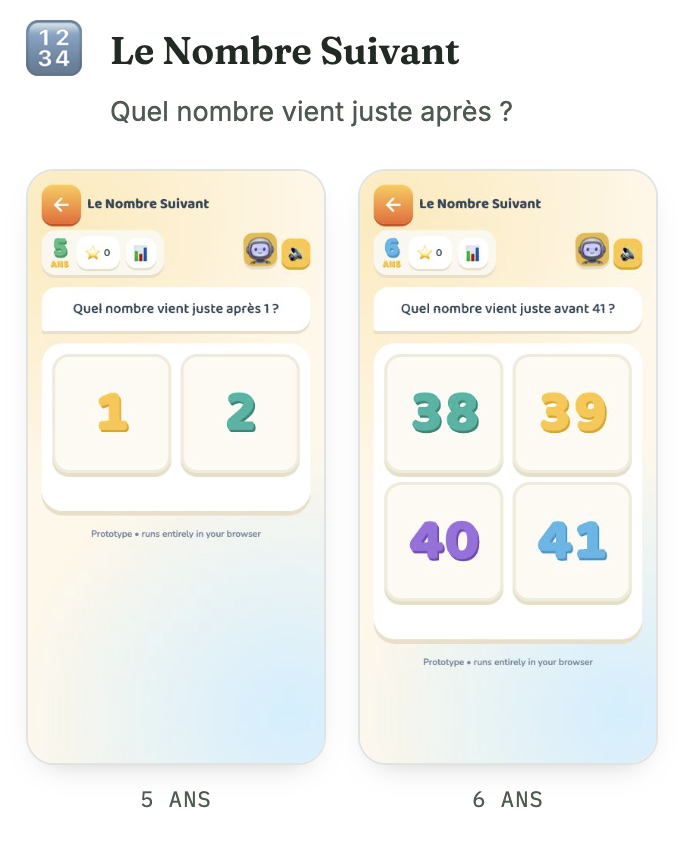
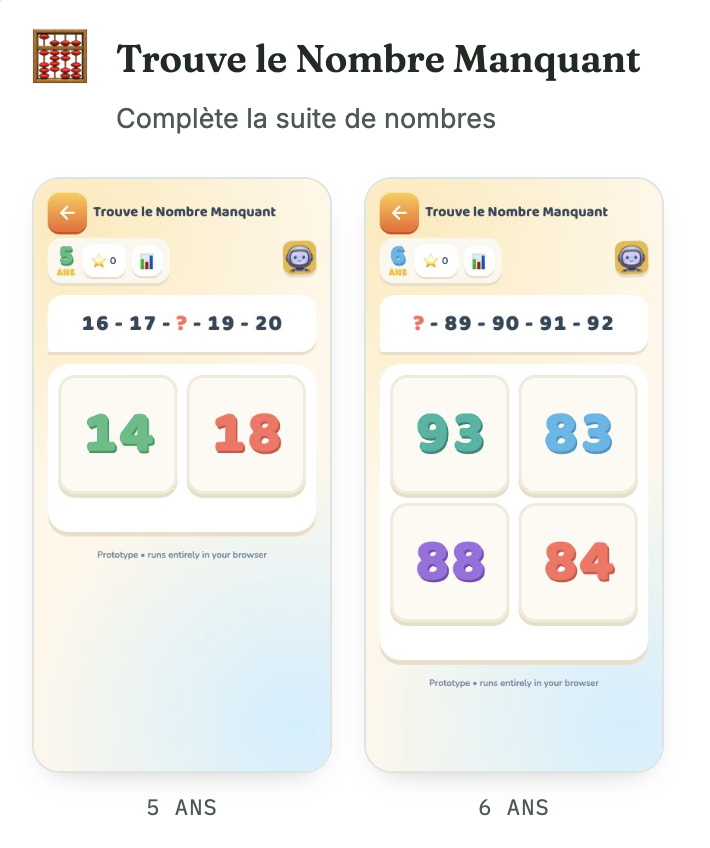
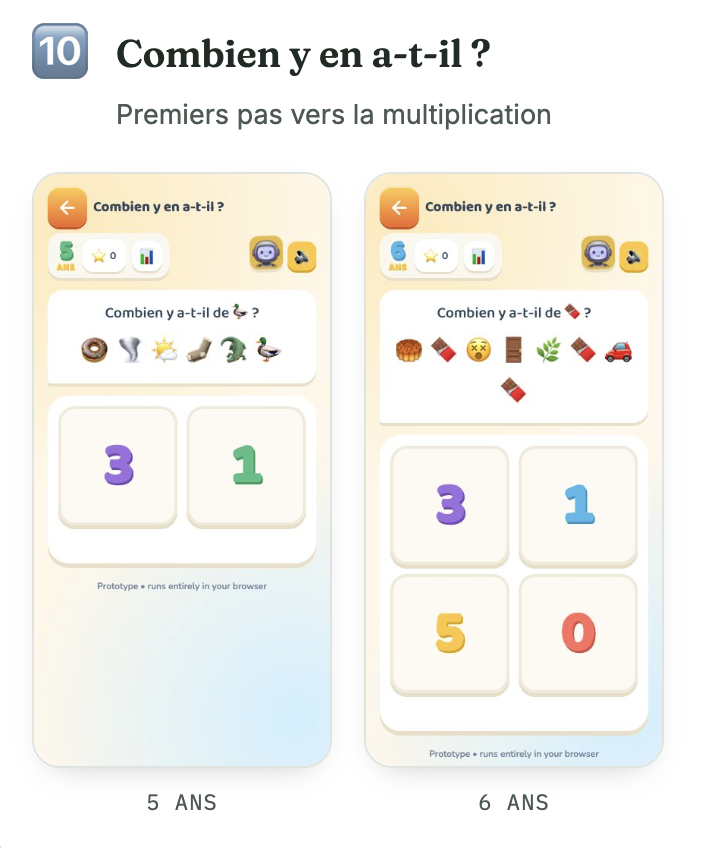
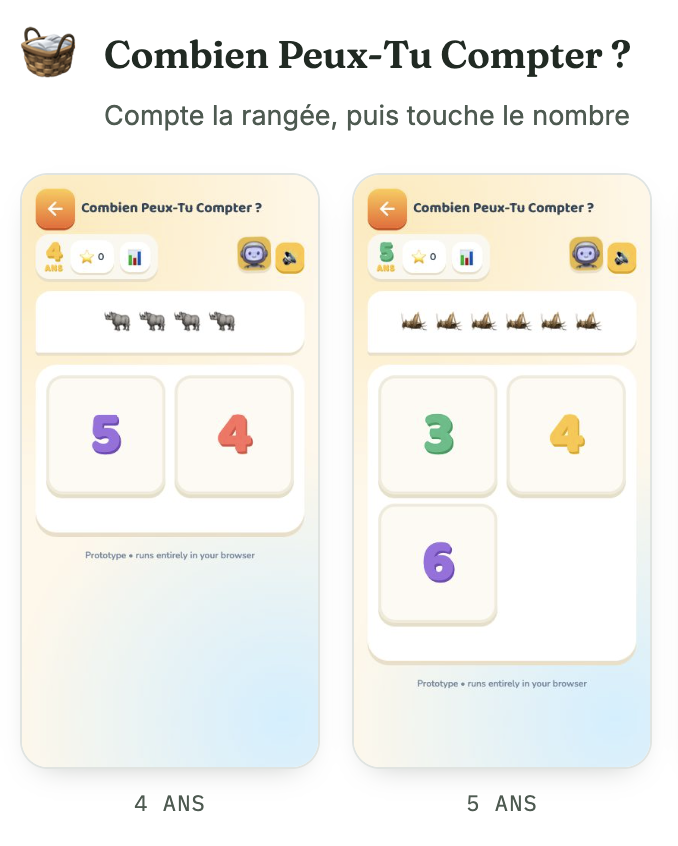
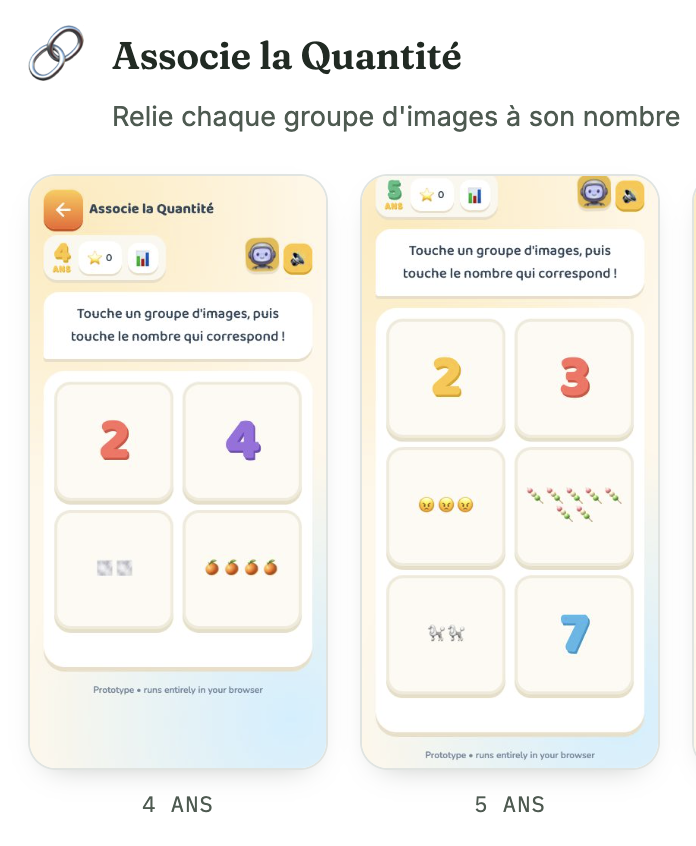
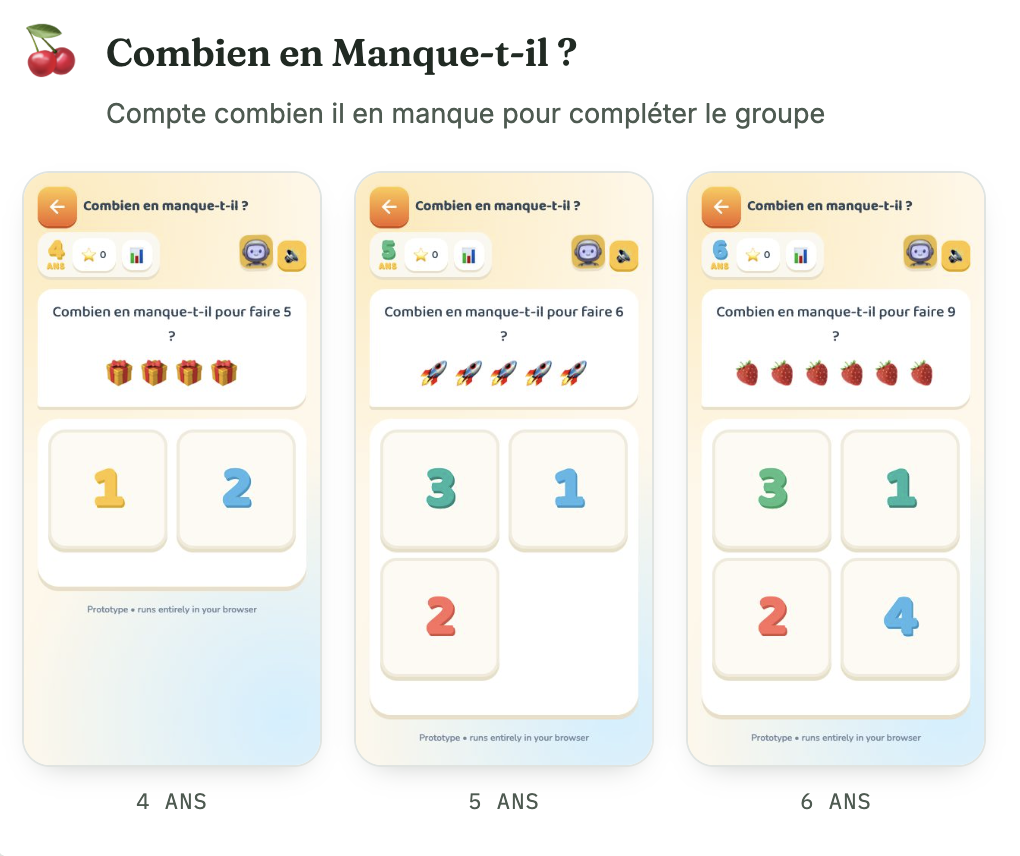
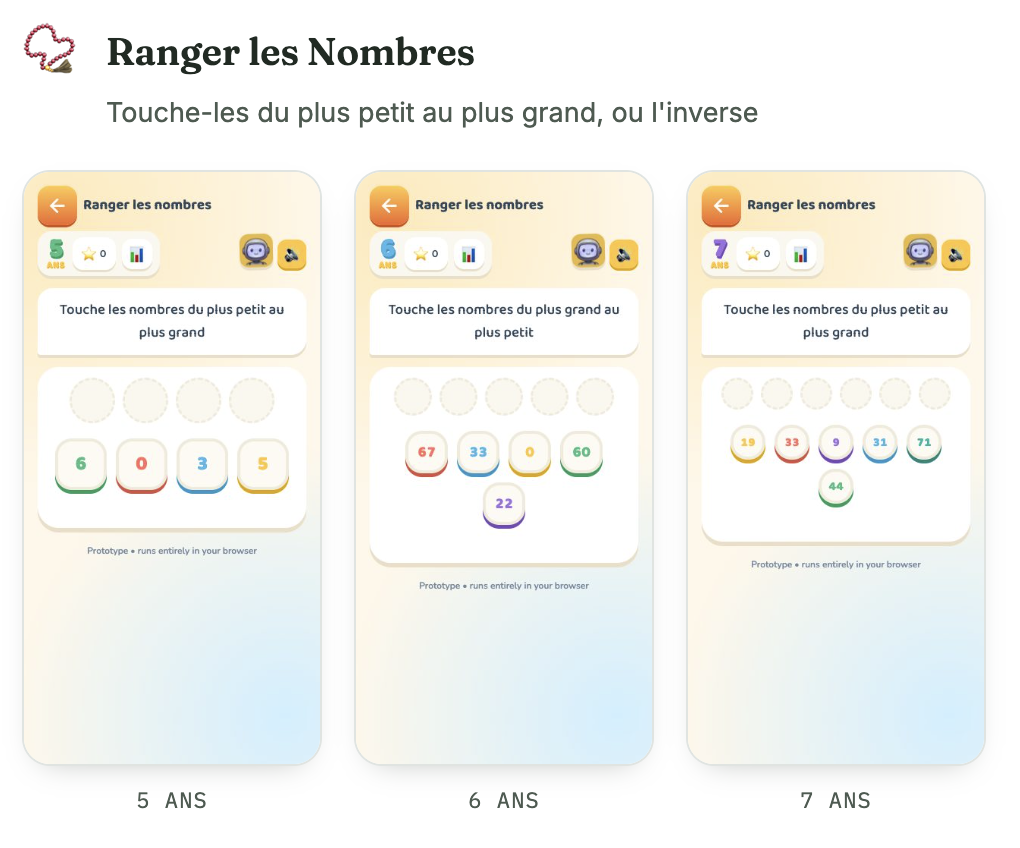
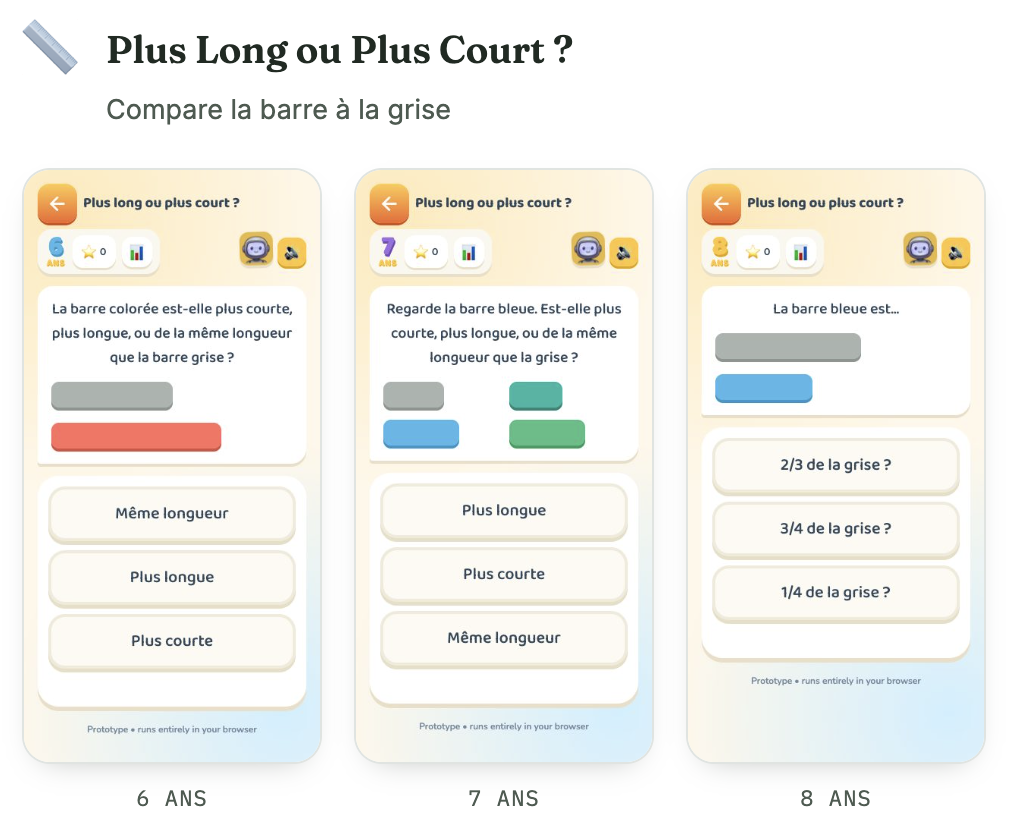
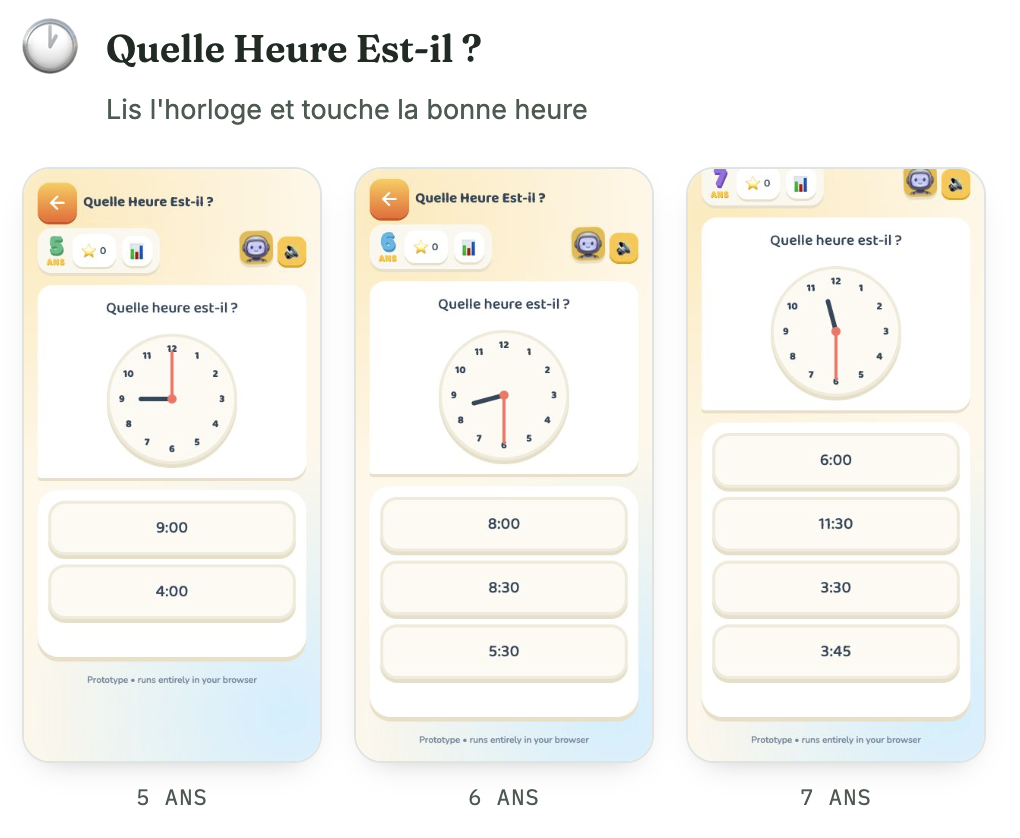
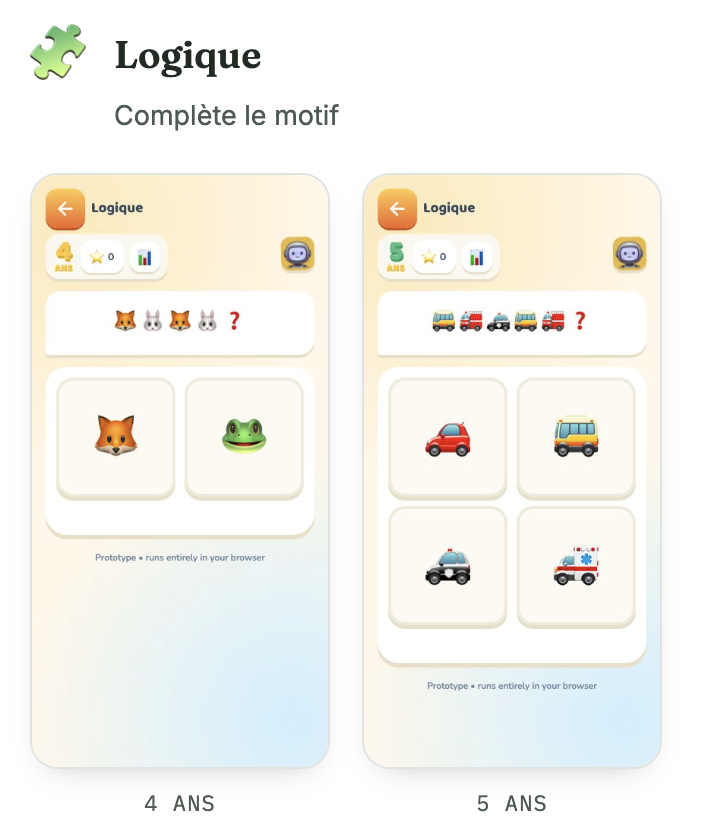
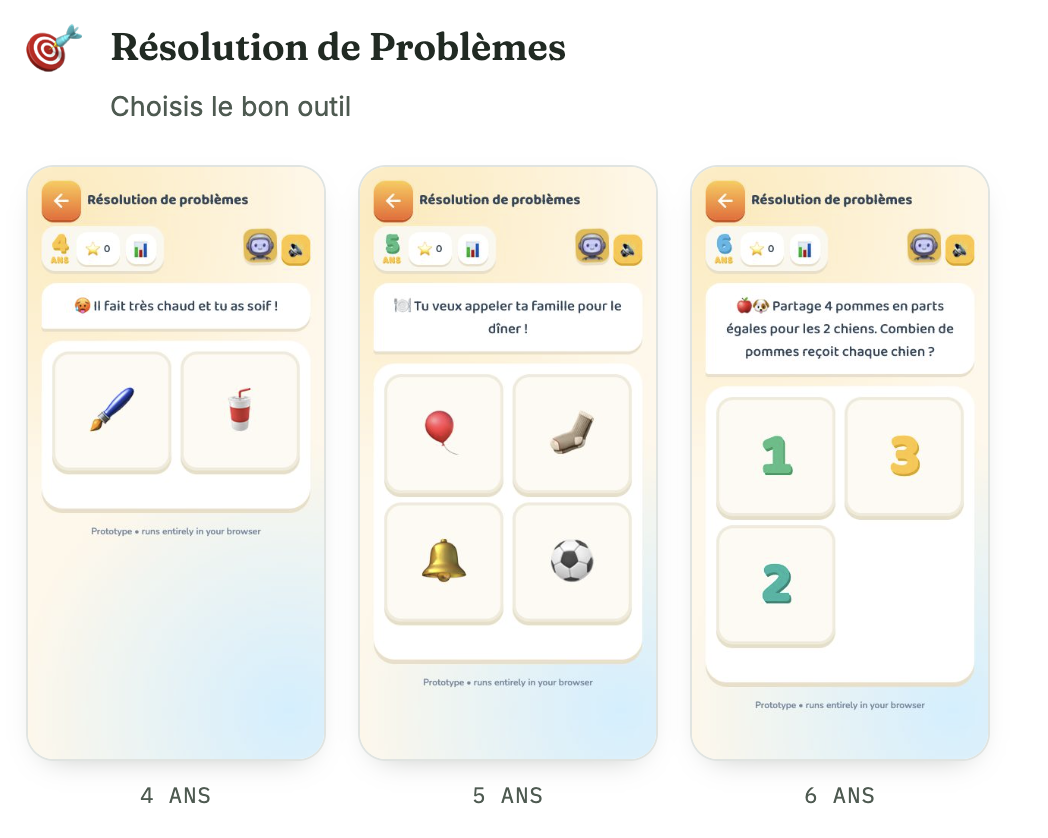
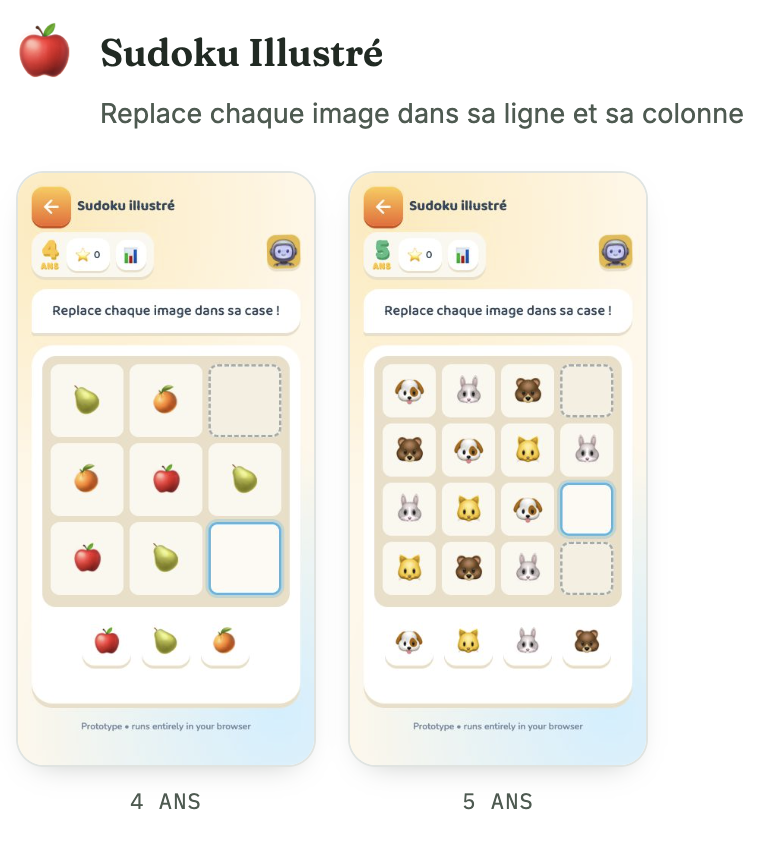
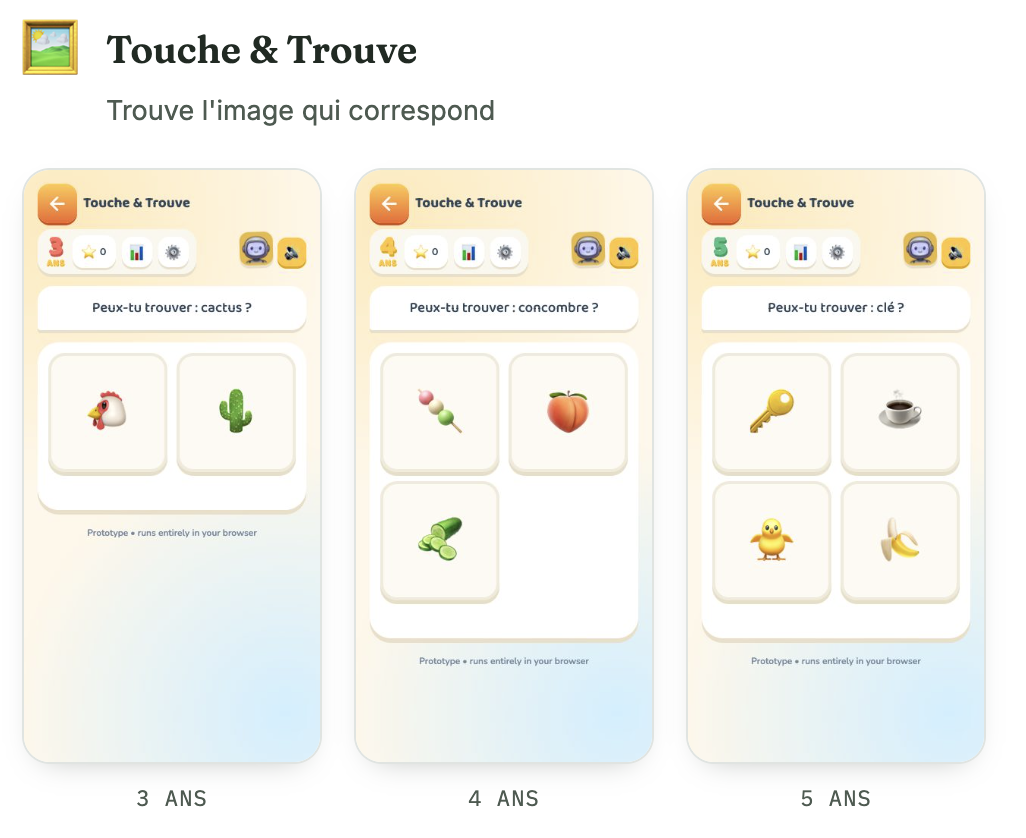
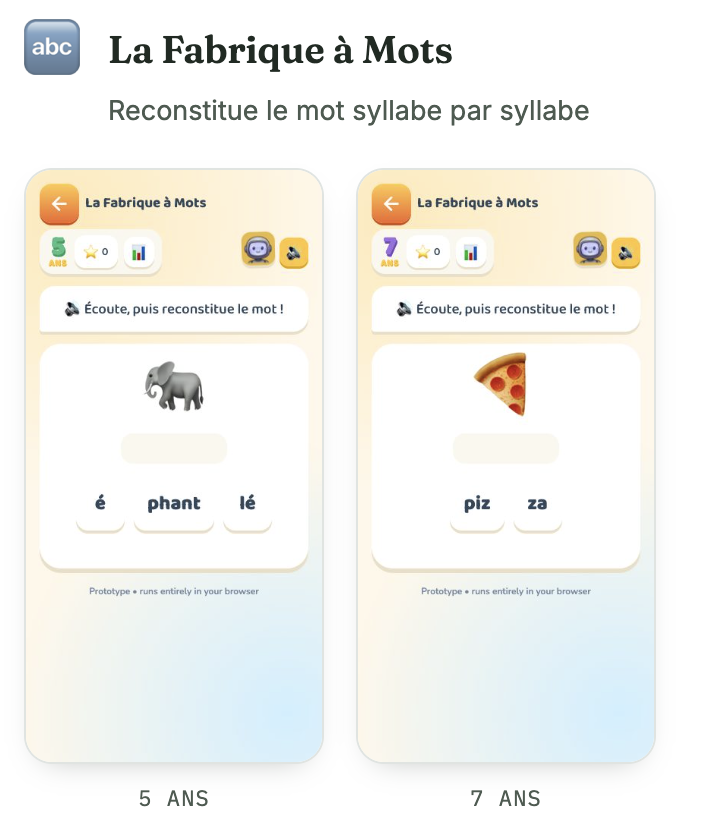
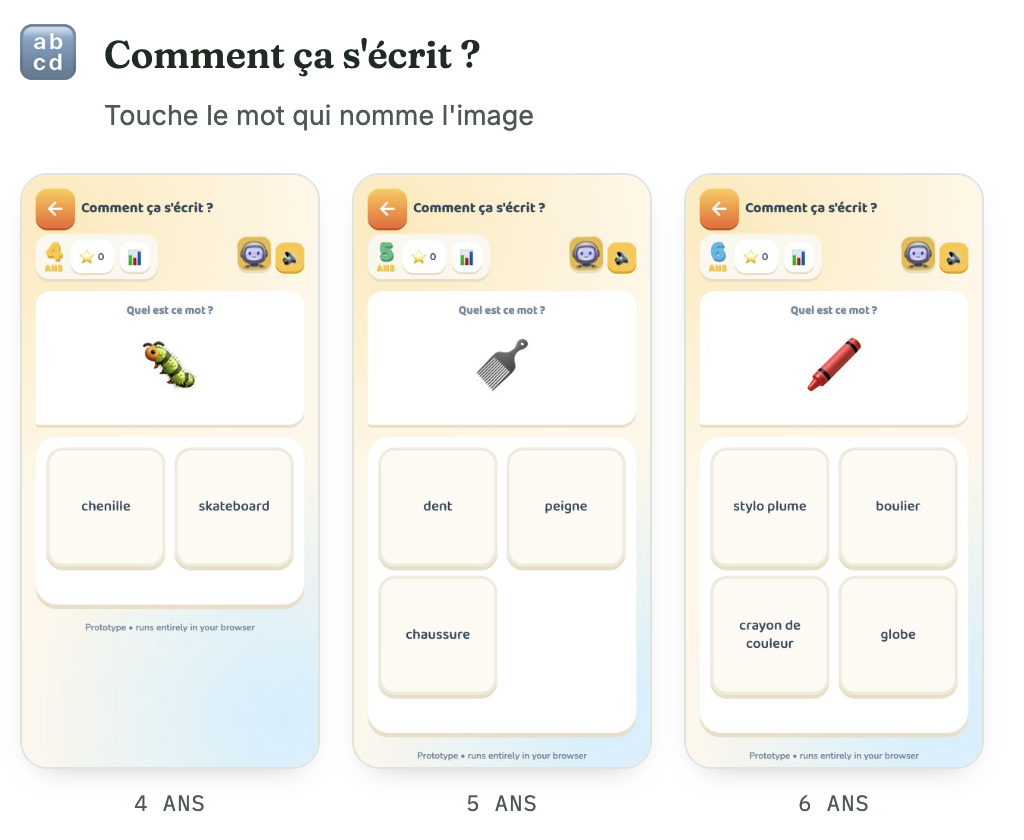
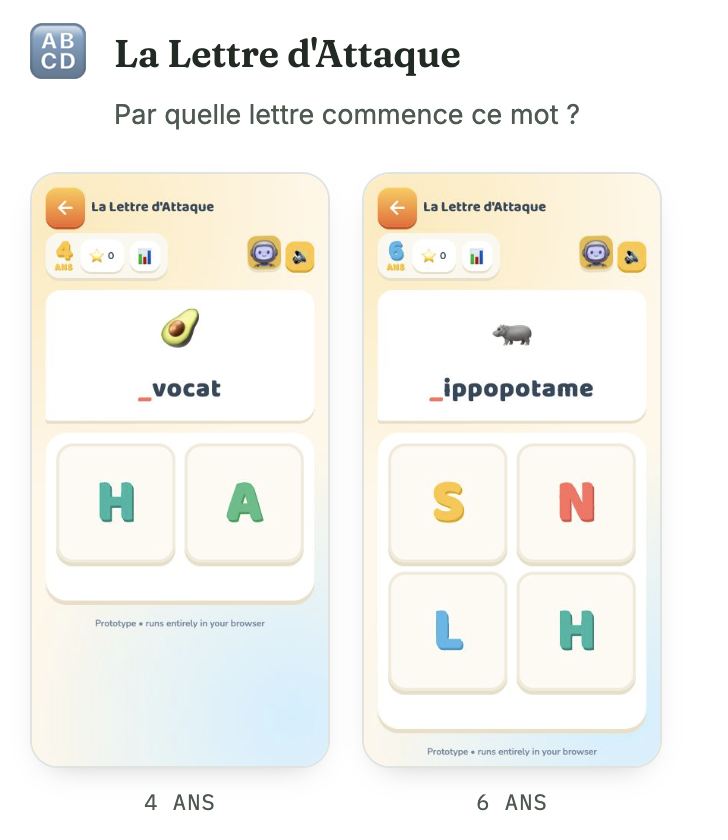
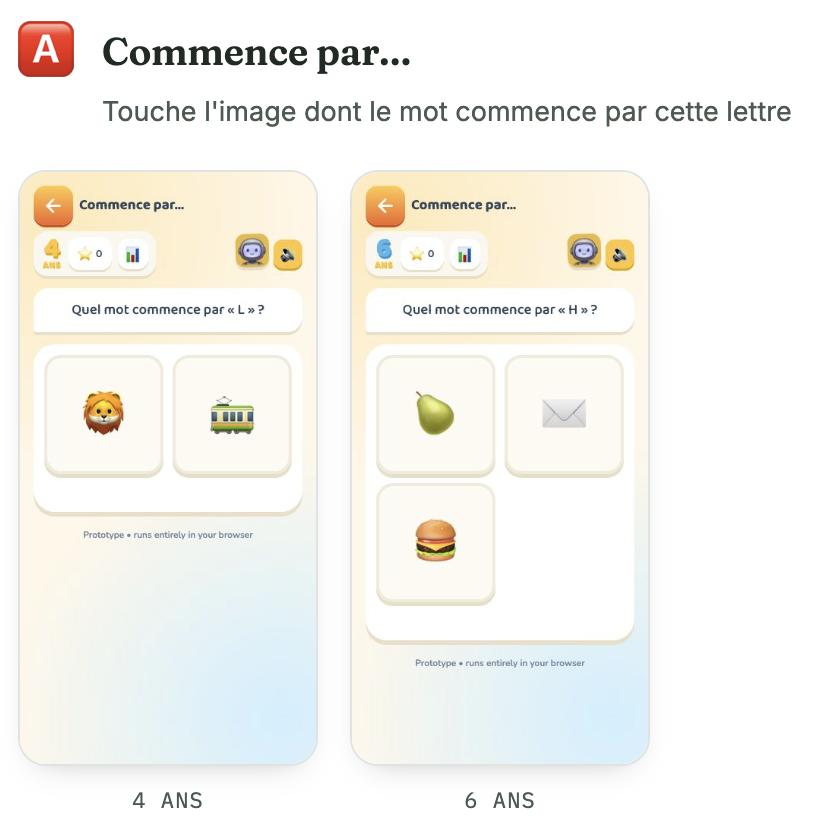
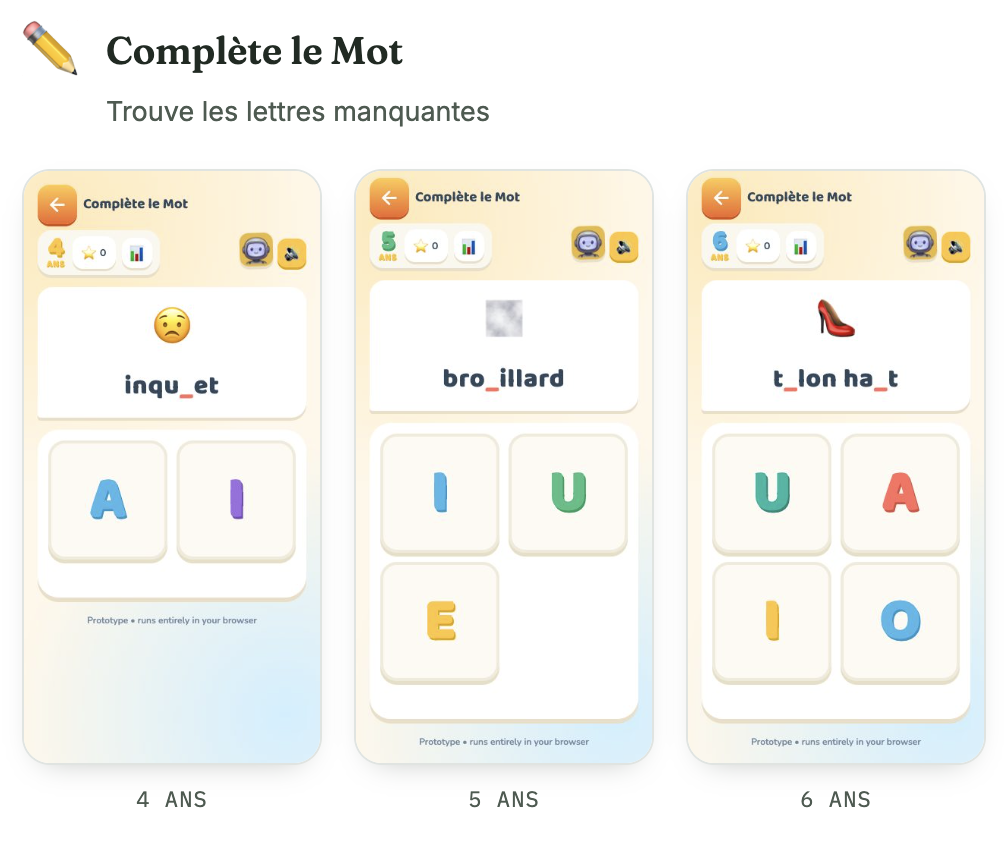
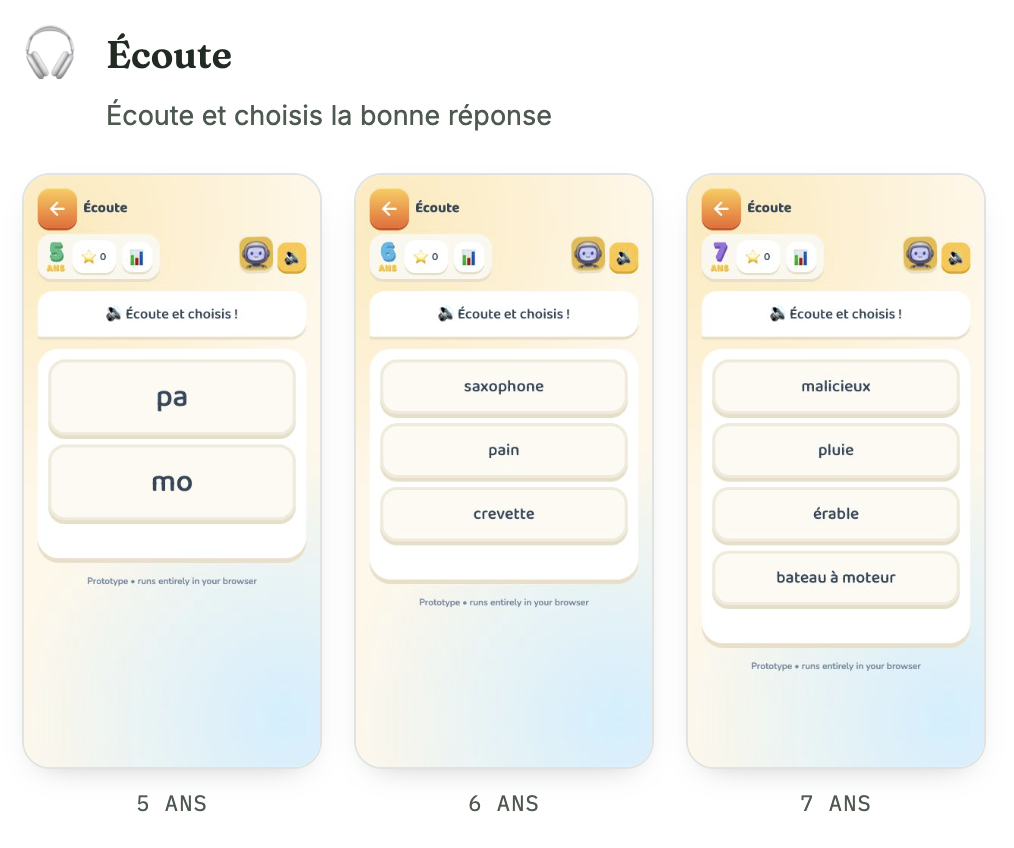
On the same exercise, KiDI never asks two children the same age the same question if they aren't at the same point: the numbers, the number of choices offered, the complexity of the scene all adjust continuously to what the child just got right or wrong. The goal is to stay just above what they already master alone — not easy enough to bore them, not hard enough to discourage them — rather than locking in one fixed level for every child of a given age. Two children the same age can be given, the same day, two completely different difficulty levels on the same exercise, with neither one feeling “behind” nor the other feeling bored.
The same knowledge, retested differently
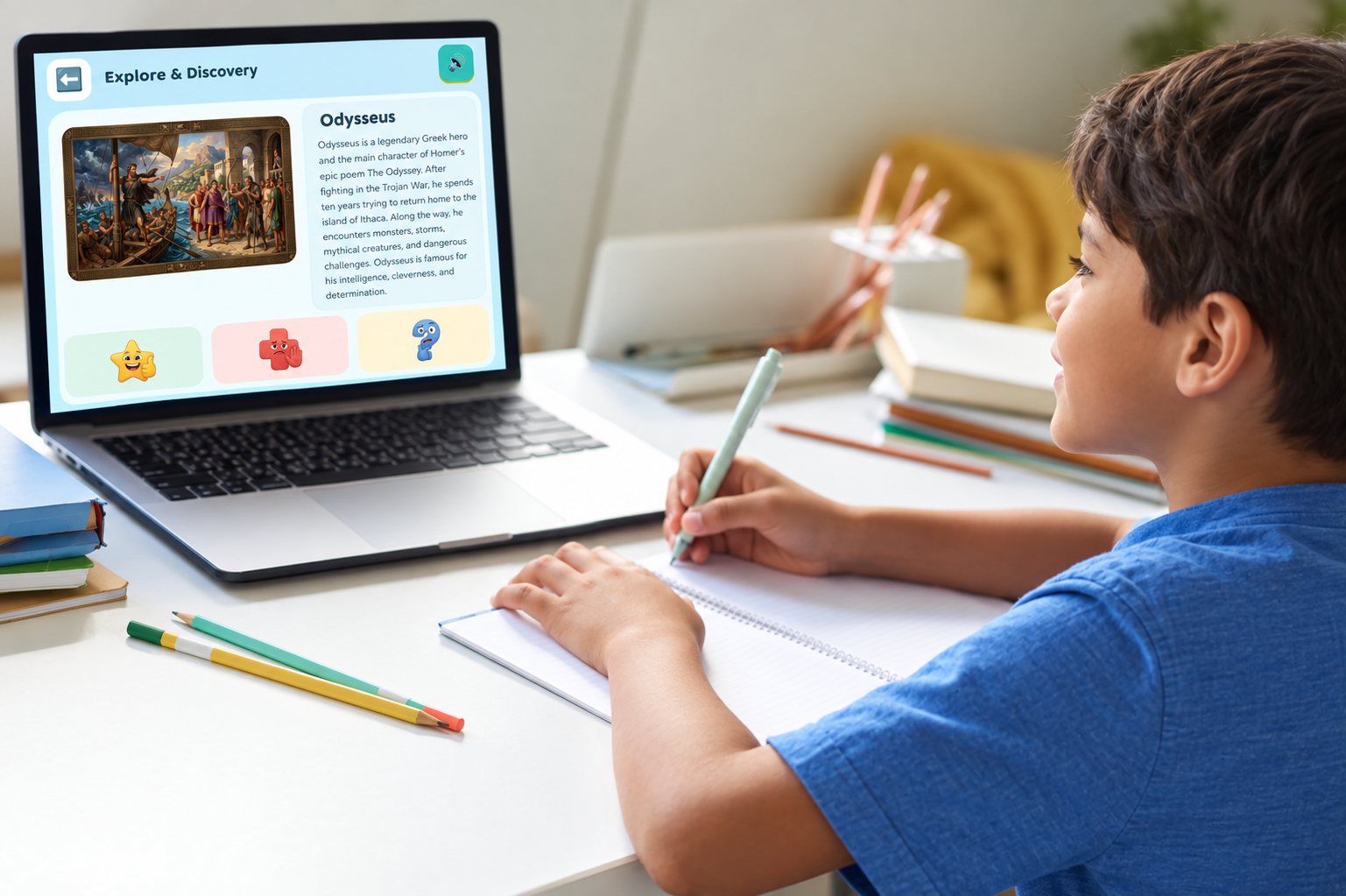
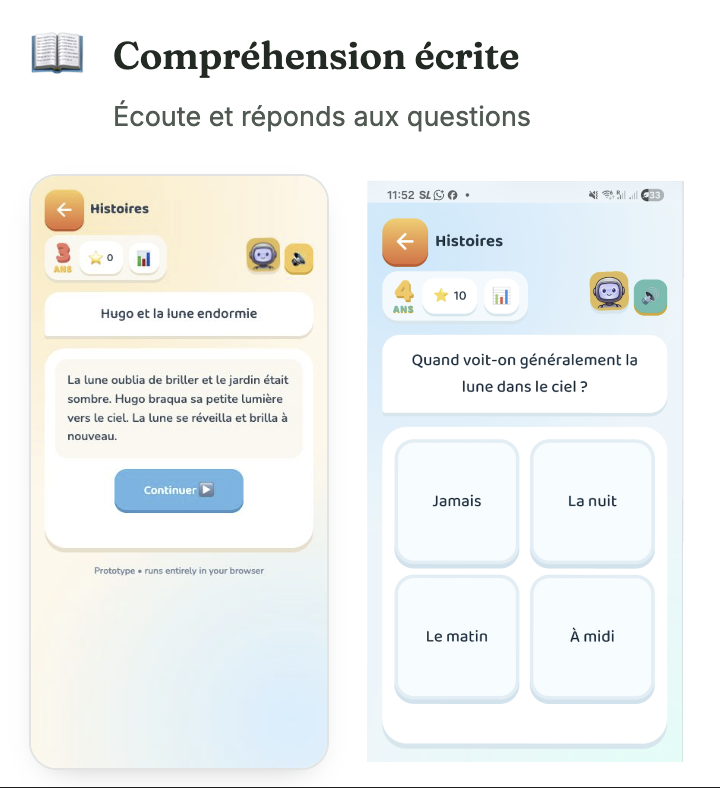
An exercise solved once is never simply replayed identically: KiDI brings the same idea back in a different form a few days later, so the child retrieves it from memory rather than recognising it by rote. It's this act of recall, renewed from a fresh angle each time, that anchors learning far better than identical repetition. Even in Explore & Discover, the prompt asks the child to re-explain in their own words what they just heard, rather than simply having listened to it once.
One subject, several ages
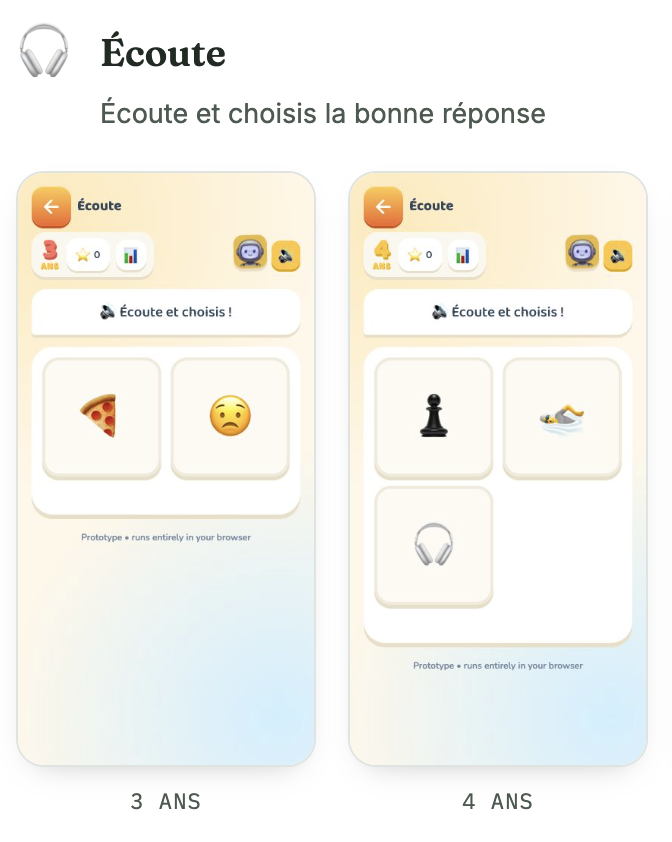
A 3-year-old and an 8-year-old do not perceive an image the same way. Every subject KiDI covers therefore exists in several distinct visual stages — from a simple, instantly recognisable shape to full realistic detail — without ever changing the character or the visual anchor, so the exercise evolves with the child rather than staying frozen forever. This choice carries a real production cost — every subject has to be illustrated several times over rather than once — but it avoids the opposite pitfall: the same look from toddlerhood to age 8 would end up either too childish for the older kids or too busy for the youngest.
Content that widens with age
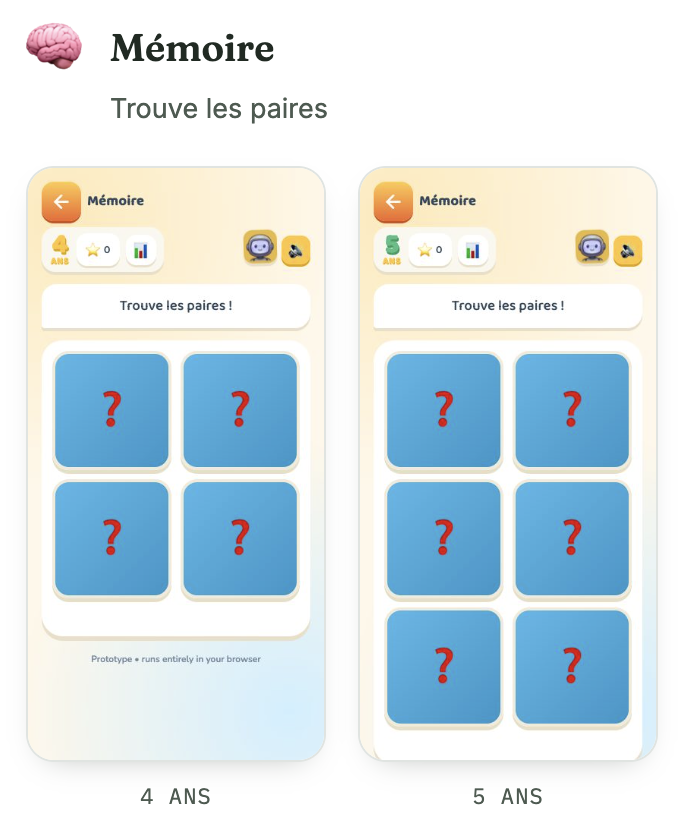
KiDI doesn't offer its whole catalogue of activities from day one: each one appears at the age it becomes relevant, and its own content then widens in turn — bigger numbers, longer words, more complex scenes. The menu offered to the child grows with them, never imposing an exercise designed for an age they've already outgrown. A 4-year-old and that same child two years later never see an identical menu: neither the activities themselves, nor the content inside each one, stay the same.
A menu that adapts, rather than dictates
The number of exercises visible on screen depends directly on the child's profile: KiDI only shows the ones relevant to their age, in a deliberately narrow range rather than a whole catalogue to sort through alone. Within that range, though, the child freely chooses what to practise, the same way a Montessori classroom works: the range of possibilities is ours to define, but which of those possibilities they explore today belongs entirely to them.
A report that evolves with progress
The report sent to parents every week is never built from the same template: it tells them what has changed since the previous week, credits a correct answer reached after several tries just as much as an instant one, and suggests a precise question to ask at home. The app's adaptive content carries on, this way, into a conversation that itself evolves with the child — a child supported at home makes significantly faster progress than a child left to face their exercises alone.
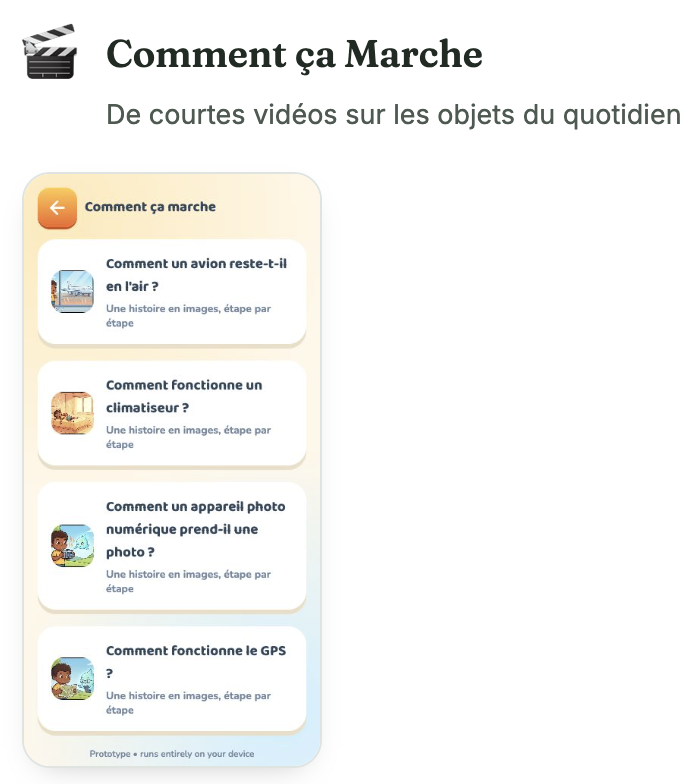
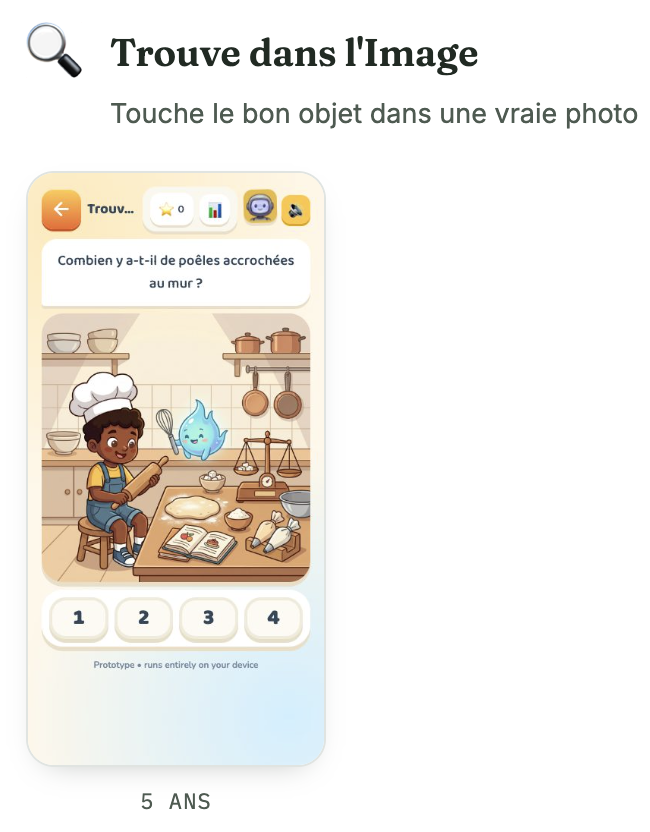
04 Parents at the centre
A six-year-old can't tell you whether they're really learning — but KiDI can.
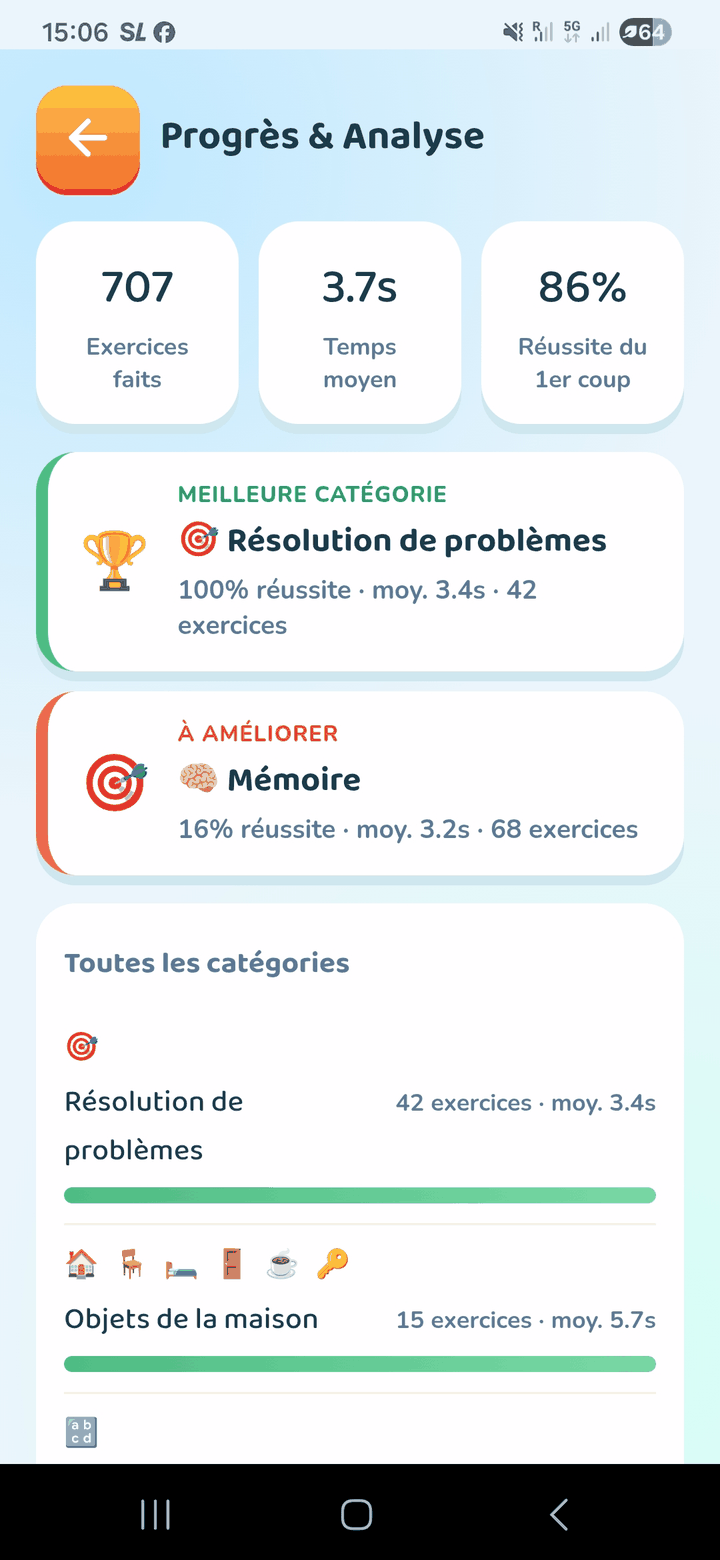
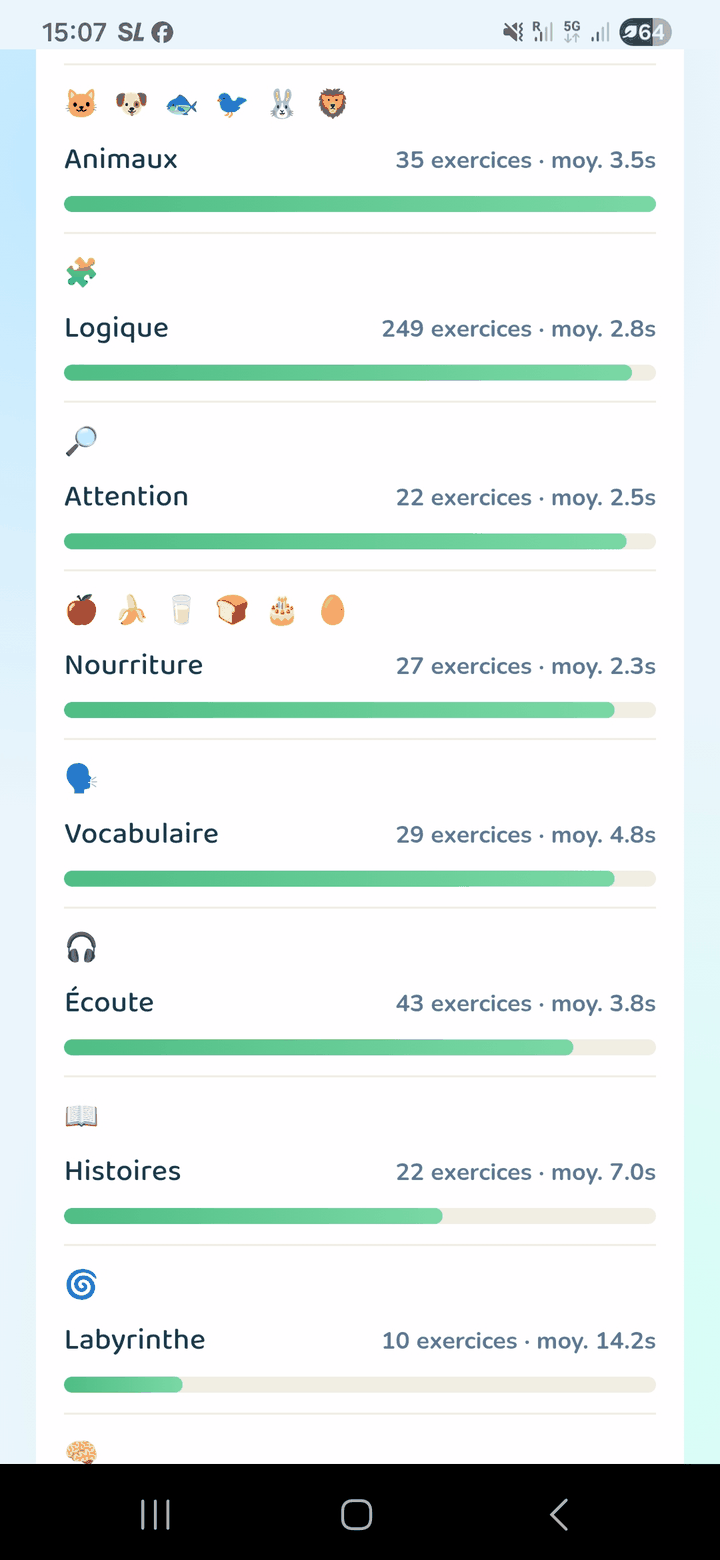
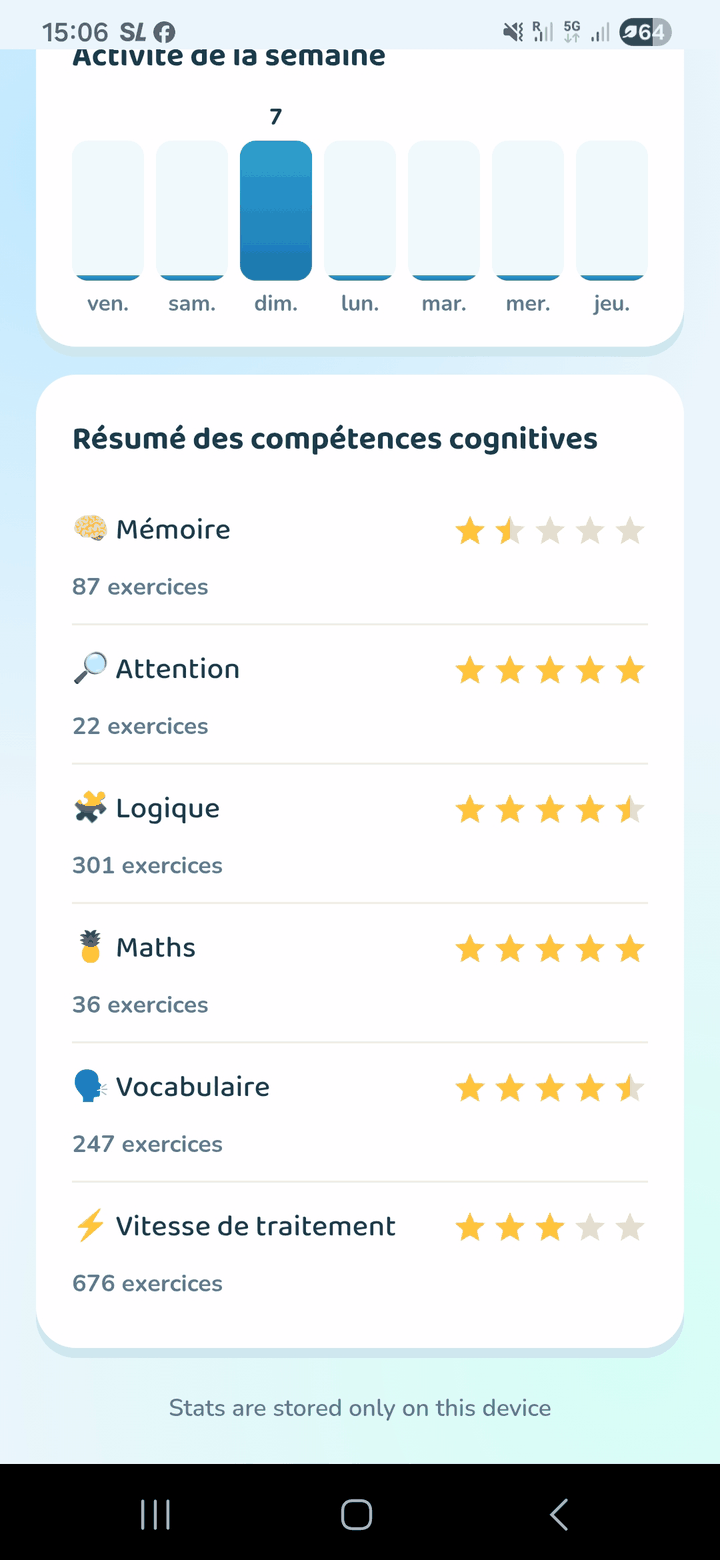
Every week, KiDI writes a plain-language summary a parent can read in under a minute — designed to start a precise, pressure-free conversation at home, not to deliver a generic “well done”.
Encourages better habits, not just praise
If 34 tasks all happened in a single Sunday session, the report says so — and explains that short, spaced sessions help new skills “stick” better than one long session.
Highlights the gaps, not just the wins
Skills marked “not tried yet” appear right next to a perfect streak, so the parent's next step is obvious, not vague.
Gives precise, actionable numbers
Strongest and weakest category, with real success rates and response times — never a single opaque score.
Suggests a real-life extension
A simple question to ask at dinner — to turn an on-screen discovery into a real conversation.
Anticipates blockers before they arrive
Beyond the weekly summary, KiDI's analysis spots the points that need repetition, the strengths, the weaknesses, and the themes the child prefers to explore — to adjust the content before a difficulty sets in, rather than noting it after the fact.
05 For teachers
For schools · in testing with partner classesThe same rule as on the child's screen: KiDI proposes, the teacher decides.
A teacher already carries the judgment of five classes about who needs more practice, and where. The teacher space is not a new curriculum to deliver — it is a companion account that turns what the app already sees at home into something usable at school: a view of each pupil, and an analysis of the class set against comparable classes.
Everything here follows the same founding rule as the child's app: KiDI filters and suggests, a human decides.6 No pupil is added, assessed, or placed on a roadmap without a teacher confirming it first.
Every pupil, read in one line — strengths, fragilities and what to do next
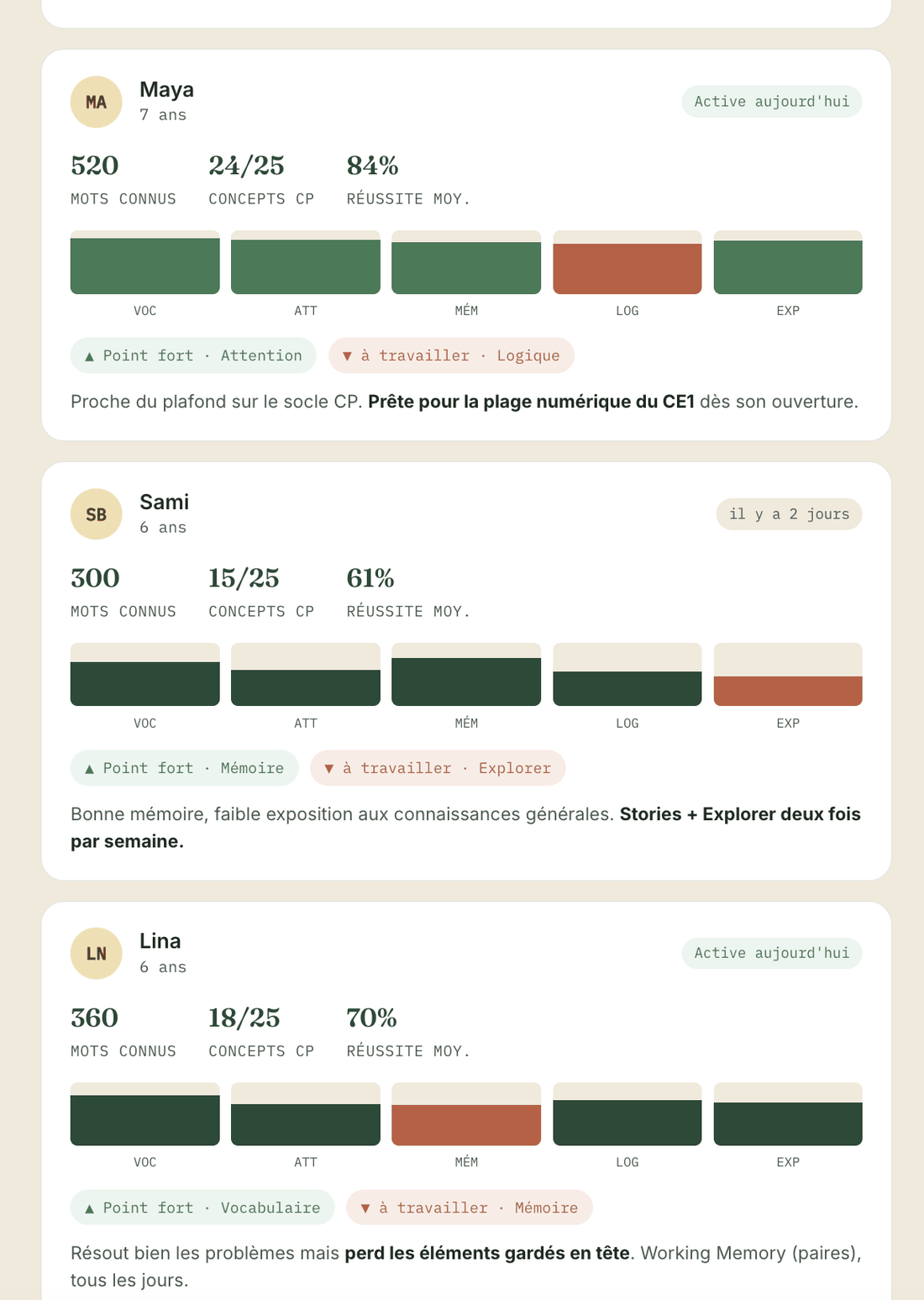
The register carries, pupil by pupil, the profile the parent already sees at home: words known, grade-level concepts mastered, average success, and the detail of the five cognitive domains. For each one, KiDI highlights a strength, a point to work on, and a concrete instruction — not an opaque score, but the next action.
- The same plain-language summary as the parent, never a dashboard reserved for the teacher
- One strength and one point to work on per pupil, with the KiDI activity to pair with it
- Spot in seconds who is moving ahead, who is falling behind, and who is ready to accelerate
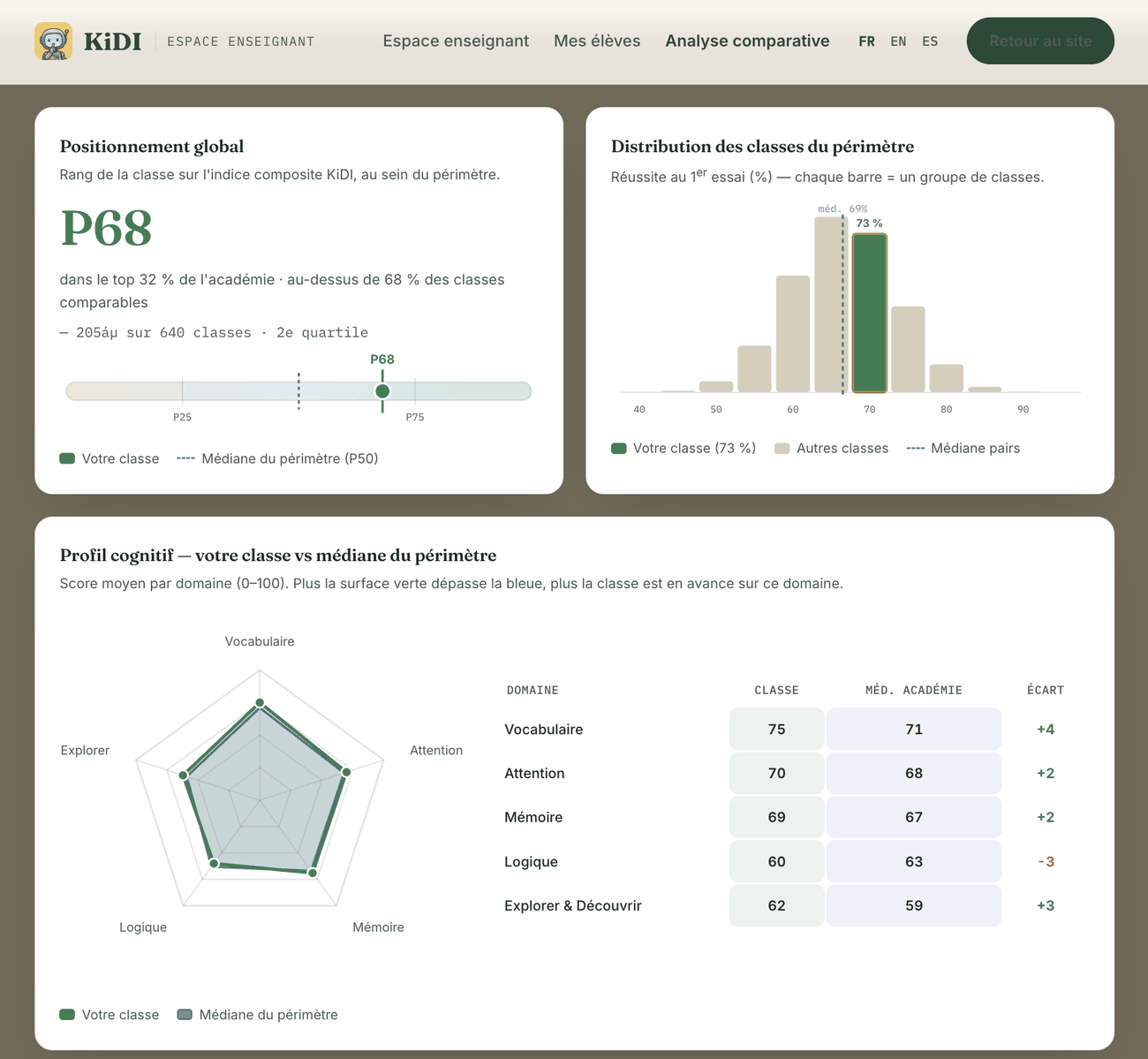
Where your class stands, against classes that are truly comparable
Your pupils' cognitive profile, set against a group of similar classes — same level, close size, same sector, comparable social-position index. You choose the scope, from your school to national, and read every gap: overall standing, distribution of classes, profile domain by domain.
- A like-for-like comparison — level, size, sector and social index comparable, not a raw average
- A scope of your choice, from school to national, on aggregated and anonymised data
- Standing in percentile, distribution of the scope, and a cognitive radar of class versus median
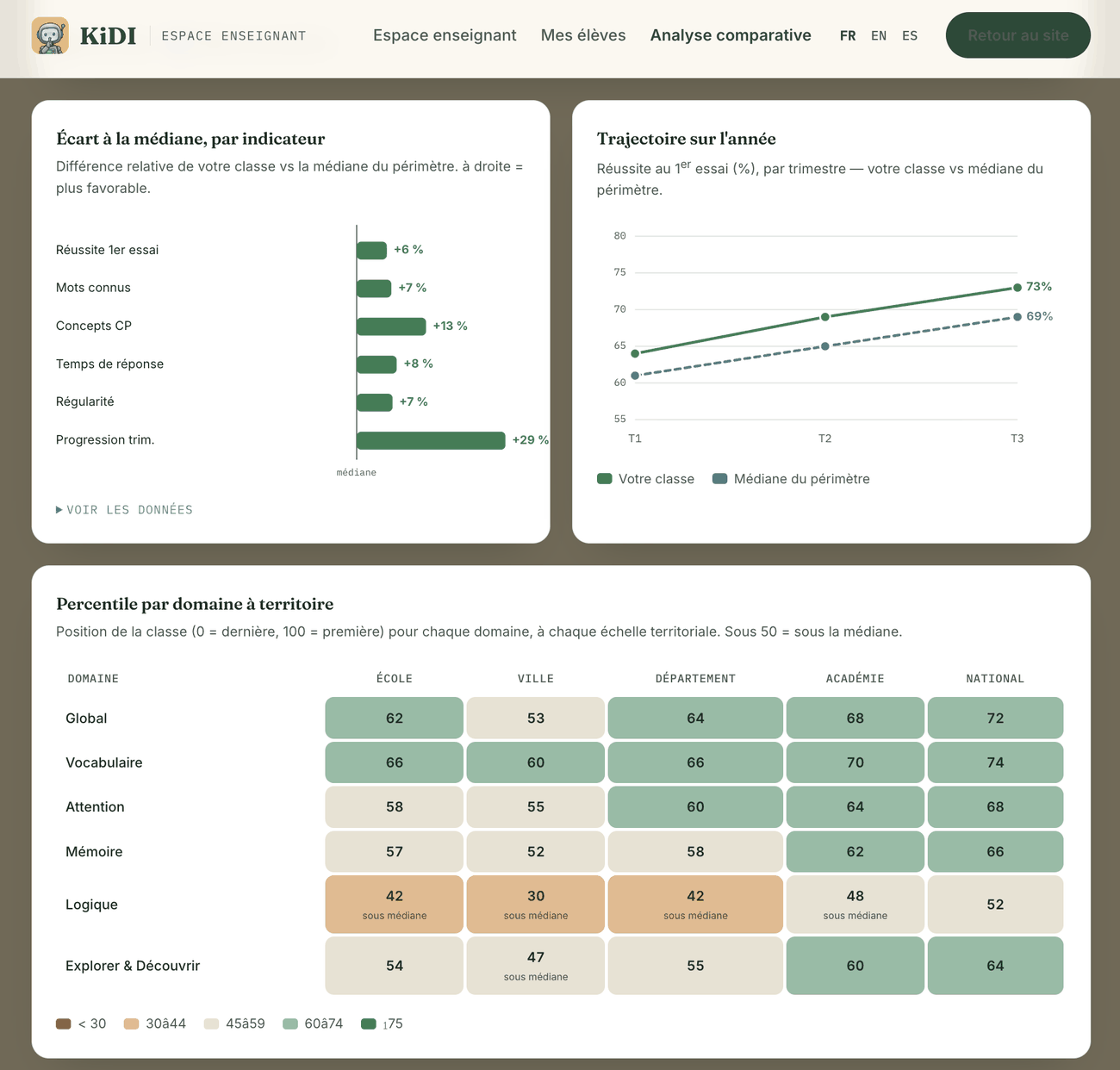
The gaps that matter, and how the class is changing
Beyond ranking, the analysis details every gap to the median — first-attempt success, vocabulary, grade-level concepts, response time, regularity, progress — and tracks the class's trajectory term after term. Each domain is placed in percentile, at every territorial scale, with below-median zones flagged.
- The gap to the median, indicator by indicator, in relative terms
- The class's term-by-term trajectory, compared with the scope's
- A percentile per domain and per scale — school, city, department, region, national
KiDI can read a room full of different levels. It still takes a teacher to decide what that room needs next.
06 Freeing the classroom from screens
The best classroom is the one where technology and AI let screens fade into the background, making room for more conversation.
A classroom where speech takes its place back
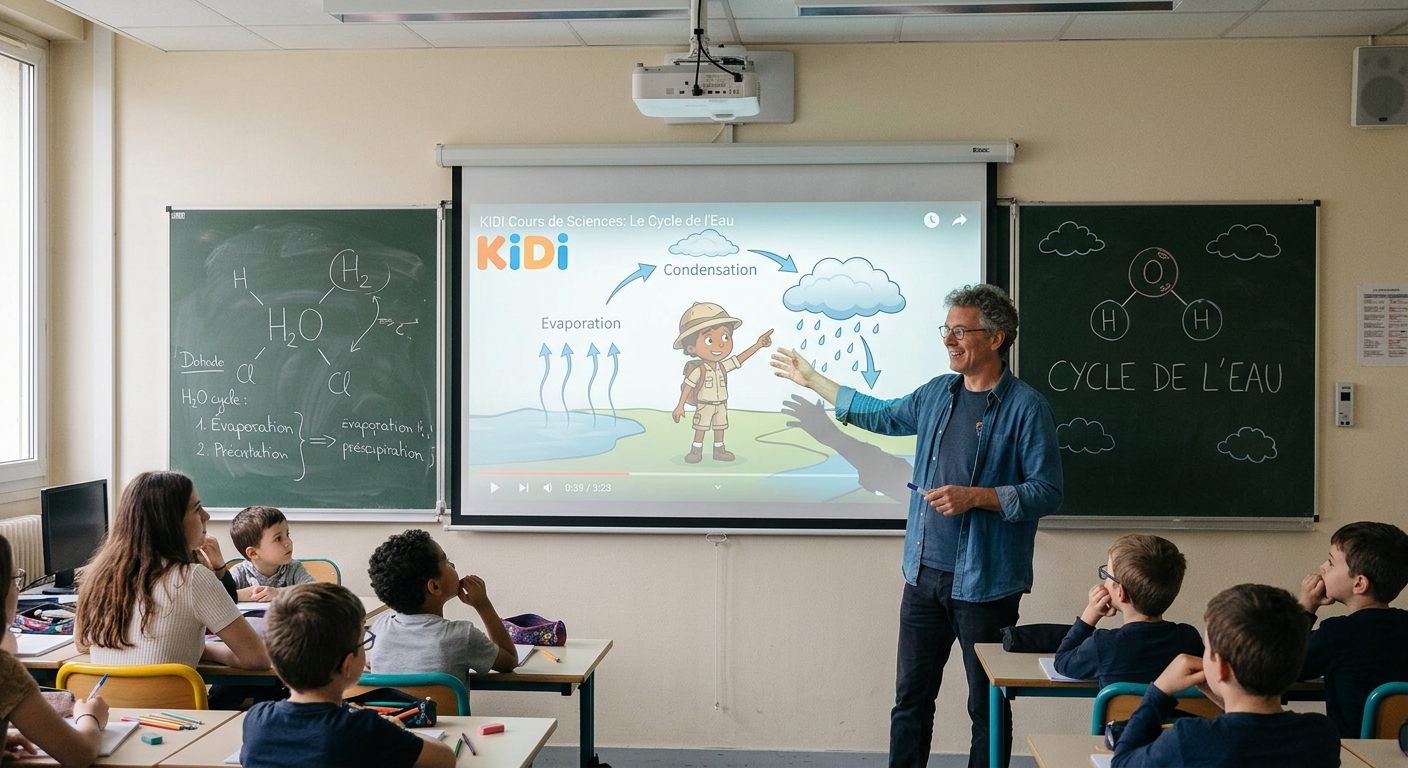
No screen between the teacher and their pupils: just an explanation given out loud, a question asked, an answer explained live.
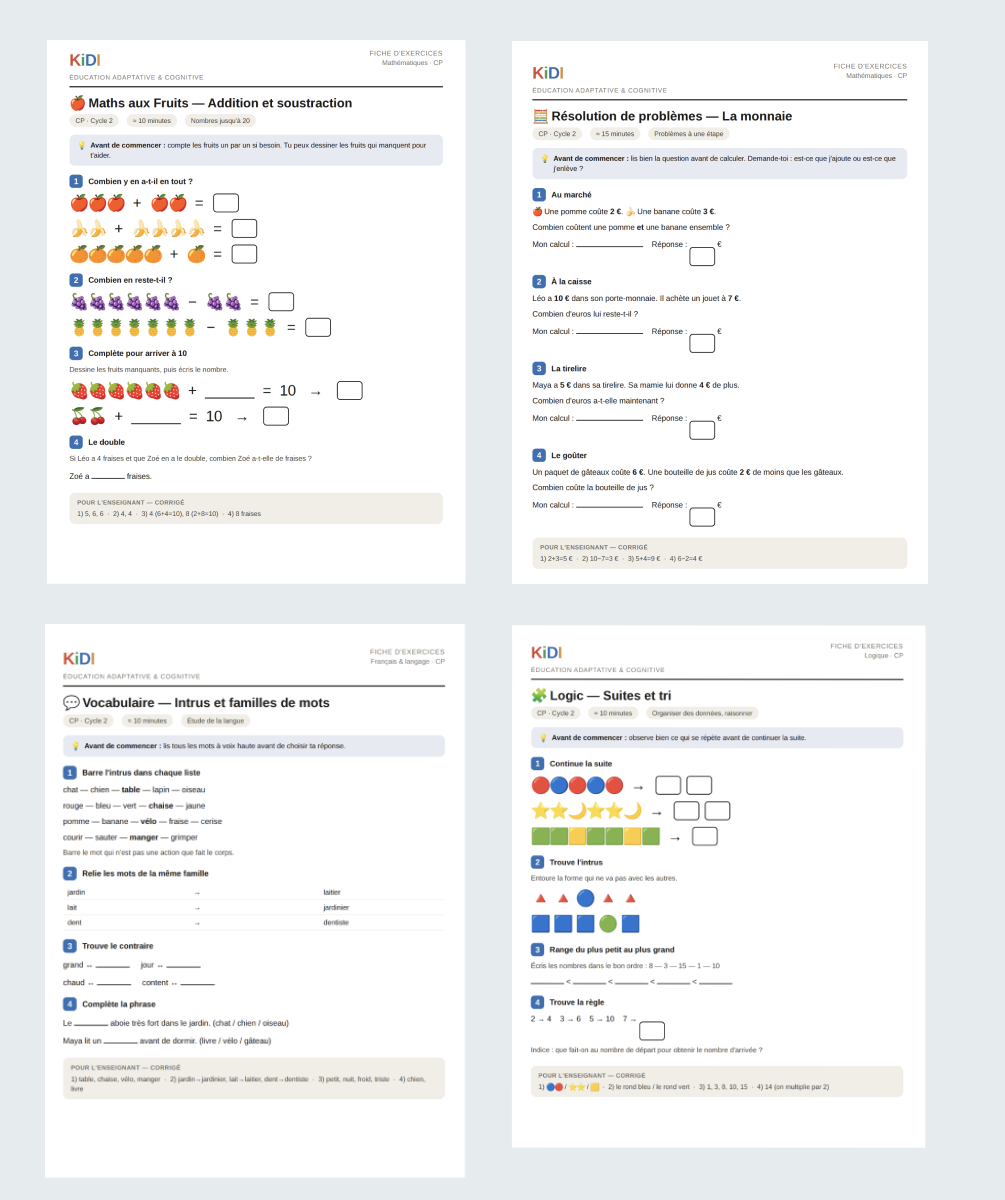
All of KiDI's content, printable in one click
Every KiDI lesson and exercise can be turned, in one click, into a ready-to-print worksheet — for paper-based work in class, screen-free, with the same content already used at home.
At school, nothing replaces a teacher who speaks, shows, explains and listens directly to their pupils. It's in that oral, human exchange — not in front of a screen — that most children learn best, especially before the age of eight or nine. KiDI starts from that belief rather than contradicting it: our goal is not to add one more screen to the classroom.
KiDI's role in the classroom therefore stays invisible to pupils. The app takes on the repetitive tasks that today eat into part of a teacher's time — marking exercises, tracking each pupil's progress, preparing materials tailored to several levels at once — to give that time back in another form: more minutes spent talking directly to pupils, rephrasing an explanation, answering a question asked out loud. The AI works behind the scenes, on the teacher's computer; the classroom itself stays a place for speech.
Time spent on KiDI, through the app or a computer, should therefore ideally happen at home, with parents — in place of the minutes currently lost to social media or passive viewing. The one exception: introductory classes in computing, programming and AI, which do take place in the classroom on screens, because those are precisely the skills a screen is suited to teach.
Fewer repetitive corrections
KiDI automatically flags who needs to revisit a concept, without the teacher having to comb through an entire test to see it.
Less differentiated prep done by hand
Materials tailored to each level already exist, rather than being recreated by hand every week for every group of pupils.
More speaking time in class
The time freed up this way goes to what no screen replaces: oral explanation, demonstration, direct dialogue with pupils.
07 The 2026 rollout
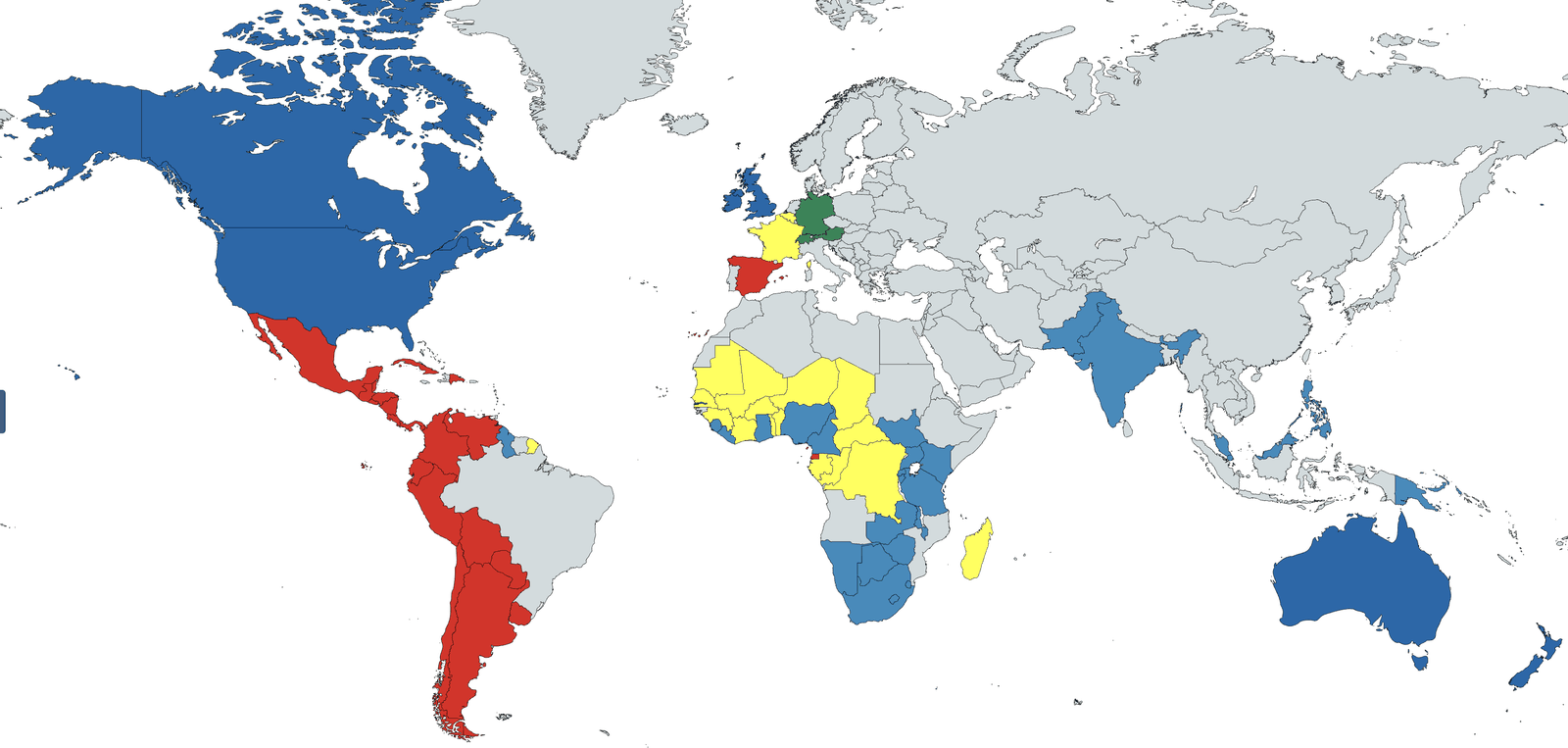
A first version in 2026, available from day one in four languages, for 70 countries.
The 2026 version of KiDI ships simultaneously in English, Spanish, French and German — not one main language with translations added afterwards, but four versions designed together, each aligned with its countries' early-years and primary benchmarks. Enough to support families and classes in Europe as well as across the Americas, from launch. In 2027, Portuguese, Chinese and Arabic will also be offered.
08 Screen time, respected
Rigorous control over time spent in front of screens.
The aim: to give children the chance to learn more during the screen time you already allow them, by cutting — or even removing — time spent on social media in favour of time spent on KiDI.
| Age | Most common recommendation |
|---|---|
| 0–2 yrs | No screen time, apart from occasional video calls |
| 2–5 yrs | ≤ 1 hr/day in most countries; 30–40 min/day in France |
| 5 yrs and up | Often ≤ 2 hrs/day of leisure; the focus shifts to content quality rather than a single number |
A daily budget, never a weekly average. 60 minutes today plus 0 tomorrow is not the same as 30 minutes every day.9
How KiDI signals the time already spent today:
The final decision always rests with the parent — the app never quietly locks the child out. Sessions last 5 to 10 minutes, with no forced streak, no autoplay, no infinite scroll, and no notification aimed at the child.
Built for parents who want evidence, not promises.
Join the early-access list to hear when KiDI opens — and to receive the full, sourced vision document.